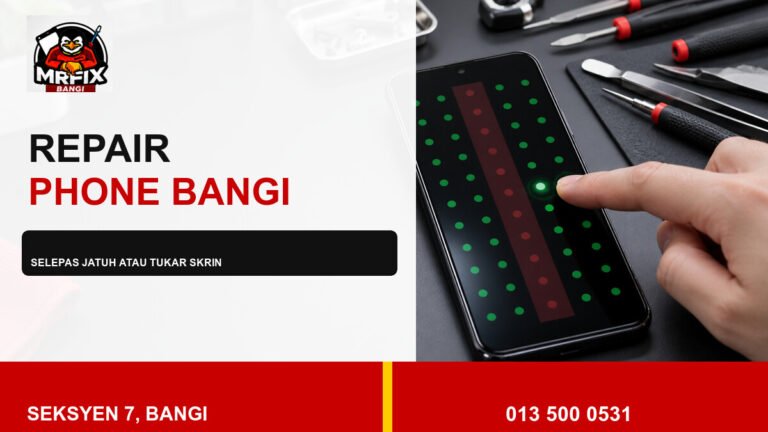
Intermittent screen flicker is easier to assess when the symptom is recorded consistently. This safe checklist for repair phone screen flicker Bangi helps owners collect useful evidence without pressing the display, opening the phone, or repeatedly changing settings.
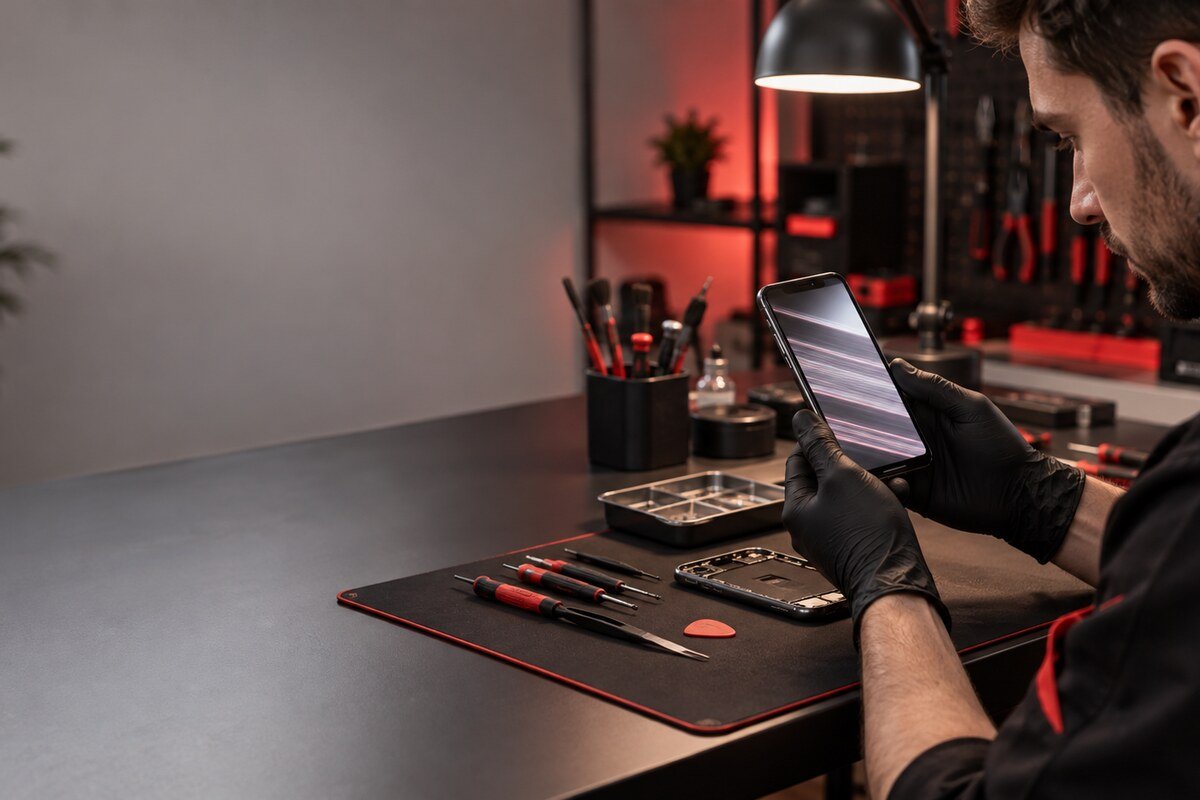
Build a short symptom log
- Date and approximate time of each visible flicker.
- Battery level, charging state, and phone temperature.
- Brightness setting and whether automatic brightness was active.
- App or screen visible immediately before the symptom.
- Whether touch, sound, and buttons continued to respond.
Record the display from another device
If the phone remains cool and safe, capture a brief video with another phone. Include the whole display and part of the frame so the timing and affected area are visible. Do not deliberately heat, bend, tap, or squeeze the phone to reproduce the symptom.
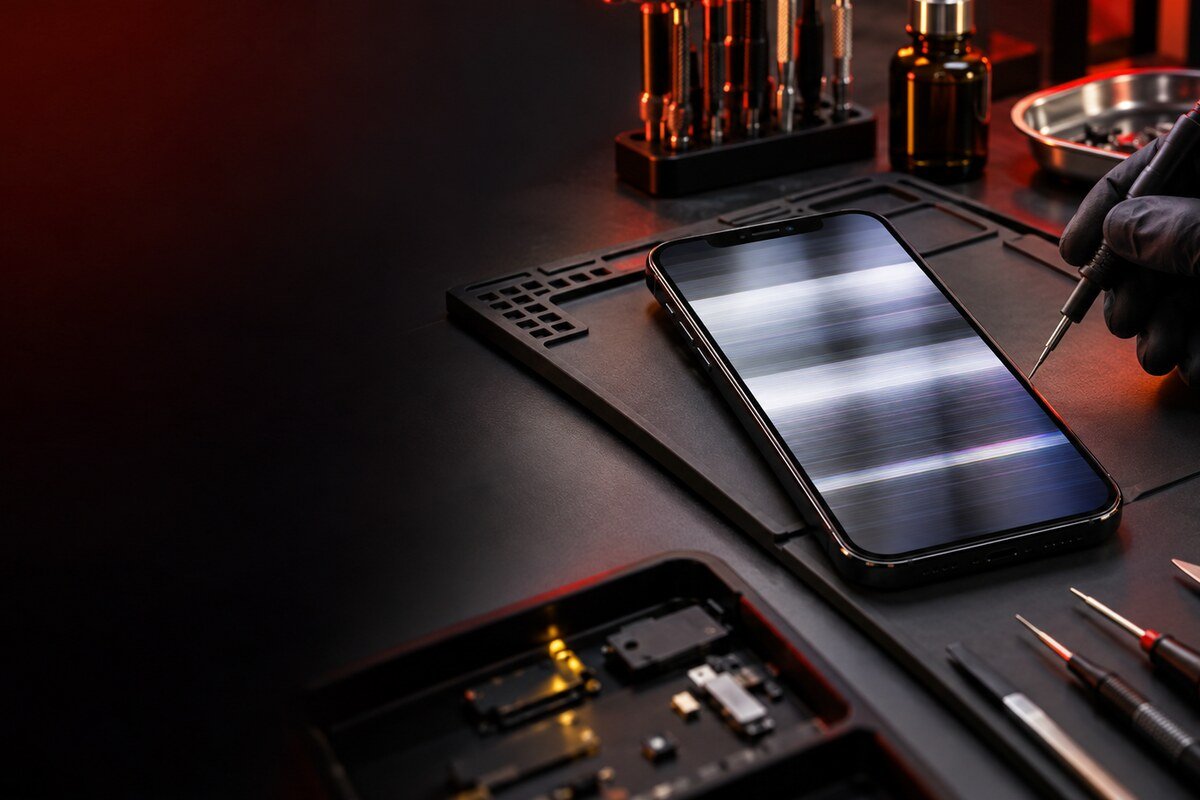
Stop testing when safety changes
- Power down if the device overheats or smells unusual.
- Do not charge a wet phone or one with a lifting display.
- Avoid further pressure after a drop or bend.
- Back up important data only if the phone remains stable.
- Keep passcodes and account credentials private.
Include the repair history
Previous screen replacement, frame work, battery service, liquid contact, and recent system updates are all useful context. State what changed first and what you observed next instead of guessing the failed component.
A structured assessment in Seksyen 7
MRFIX Bangi can compare your symptom log with the live display, touch response, brightness transitions, frame condition, and available history. The location serves customers around Bandar Baru Bangi, Kajang, Putrajaya, Serdang, Nilai, and Semenyih.

A clear record supports evidence-based next steps without promising a particular part, price, turnaround time, or result before inspection.