A missing stroke, failed hover response, stuck pen, or unavailable supported action can point to different areas of a stylus system. This repair S Pen phone Bangi checklist helps organise safe observations before the phone and pen are assessed together.
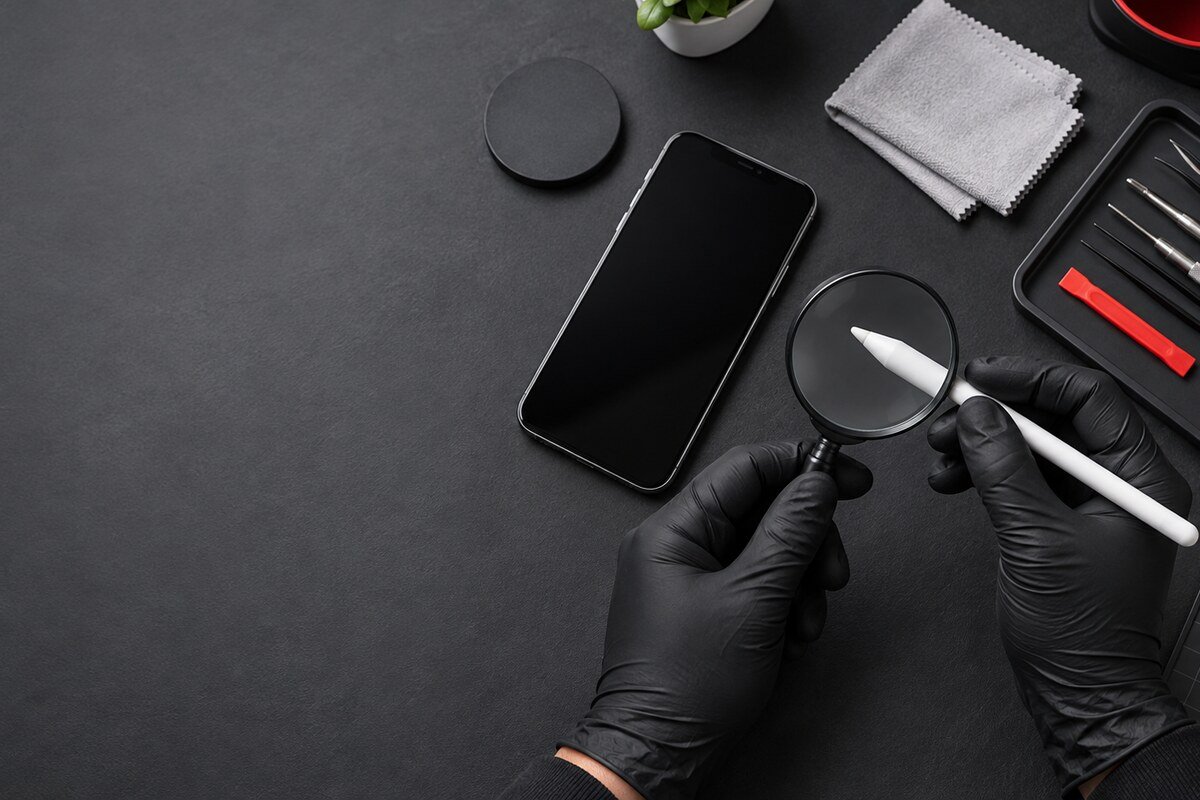
Step 1: describe the exact failure
- Writing skips, stops, or works only on part of the screen.
- Hover detection is absent or inconsistent.
- The pen writes but a supported button or remote action fails.
- The phone does not notice when the pen is inserted or removed.
- The pen feels tight, loose, bent, or stuck in the slot.
Step 2: keep the test controlled
Restart once, use a compatible built-in note function, and change only one condition at a time. Compare pen input with finger touch, note the affected area, and avoid repeated tests if the device becomes hot or physically unstable.

Step 3: avoid risky shortcuts
- Do not force a pen into or out of the phone.
- Do not insert a pin, adhesive, magnet, or sharp tool into the slot.
- Do not bend the pen to test whether it becomes responsive.
- Do not pour cleaner into the slot or around the pen tip.
- Stop using the phone if liquid, lifting, heat, or unusual smell is present.
Step 4: bring the complete set
The technician should see the phone, its usual pen, case and relevant symptom record. If another compatible pen was tested, note the result without assuming it proves the final cause. Supported functions vary between devices and accessories.
Local diagnosis in Seksyen 7
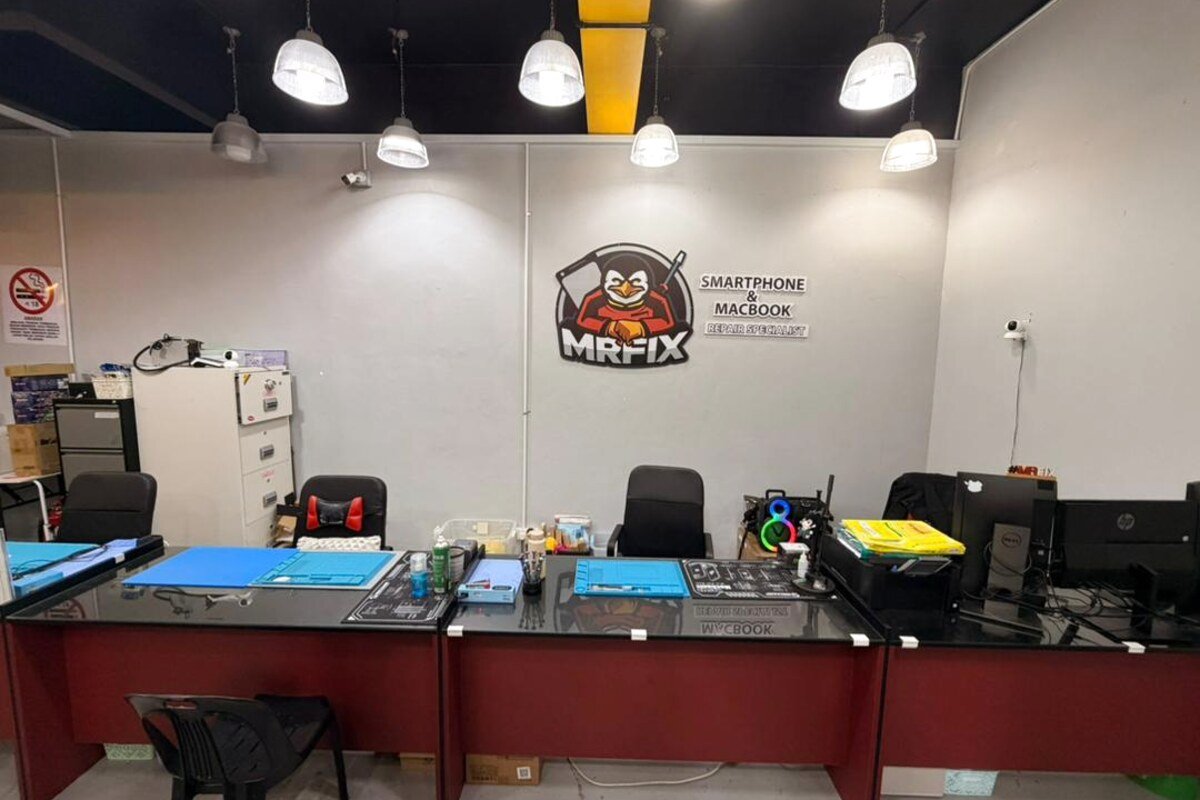
MRFIX Bangi can review stylus writing, hover, supported controls, settings, screen areas and slot condition. The location serves customers from Bandar Baru Bangi, Kajang, Putrajaya, Serdang, Nilai and Semenyih.
Send useful, non-sensitive details
Include the model, exact failed function, affected screen area, pen-slot behaviour and any drop, repair or liquid history. Keep passwords, unlock codes and private note content off the message.
A direct inspection is required before confirming the cause, part, price, repair time, or outcome.