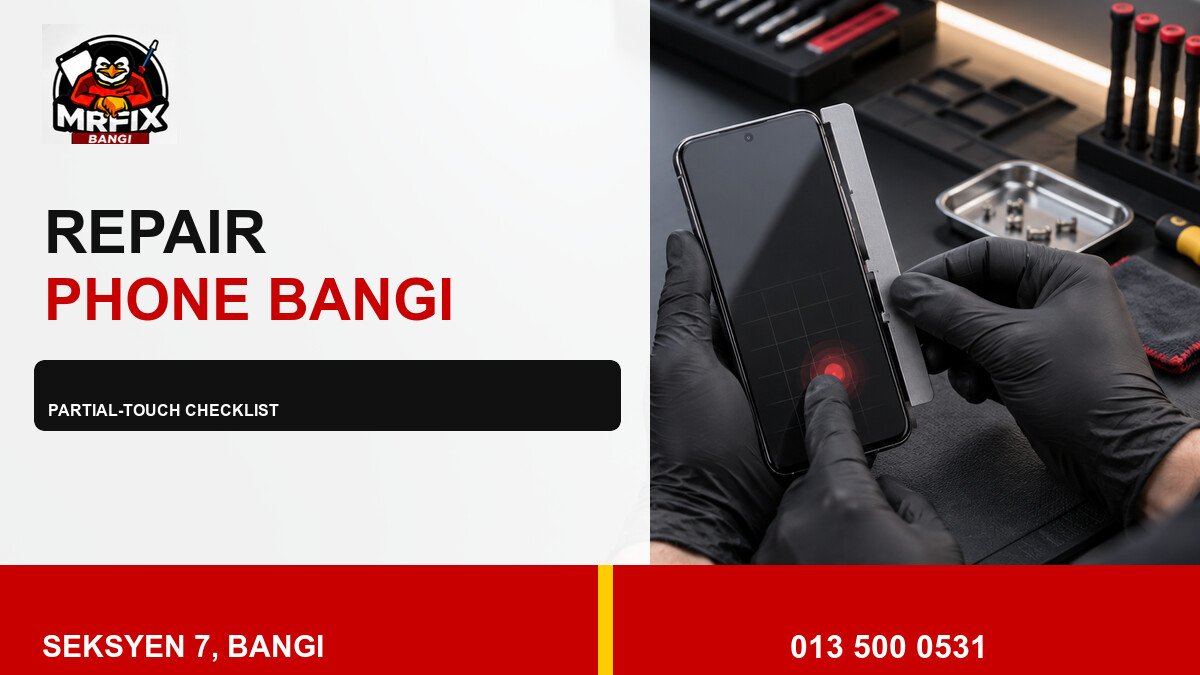
Partial touch failure can be frustrating because the phone may still open apps while one important area misses taps or swipes. A repair touch dead zone phone Bangi checklist should capture the pattern, protect accessible data, and avoid actions that place extra pressure on the display.

Record the symptom pattern
- Which edge, strip, corner, or cluster misses touch.
- Whether taps, swipes, or both are affected.
- Whether the image is clear inside the failed area.
- Whether rotation moves the control away from the problem.
- Whether the issue began after a drop, liquid event, or screen work.
A short screen recording may not show a missed physical tap, so film the test with another device when possible. Keep the test brief and repeat it only enough to show a consistent location.
A practical safety checklist
- Back up accessible data using the phone’s normal trusted method.
- Remove a case only if it releases without bending the frame.
- Keep the device dry and avoid cleaning liquid near damaged edges.
- Do not use heat, pressure, clamps, or improvised adhesive.
- Stop using the phone if the screen lifts or heat becomes unusual.
Do not let partial function delay inspection
A working section of the touchscreen does not explain the failed section. The behaviour may also worsen or block access to important controls. An orderly assessment can compare touch response, display condition, protector fit, frame alignment and repair history.
Local help in Seksyen 7
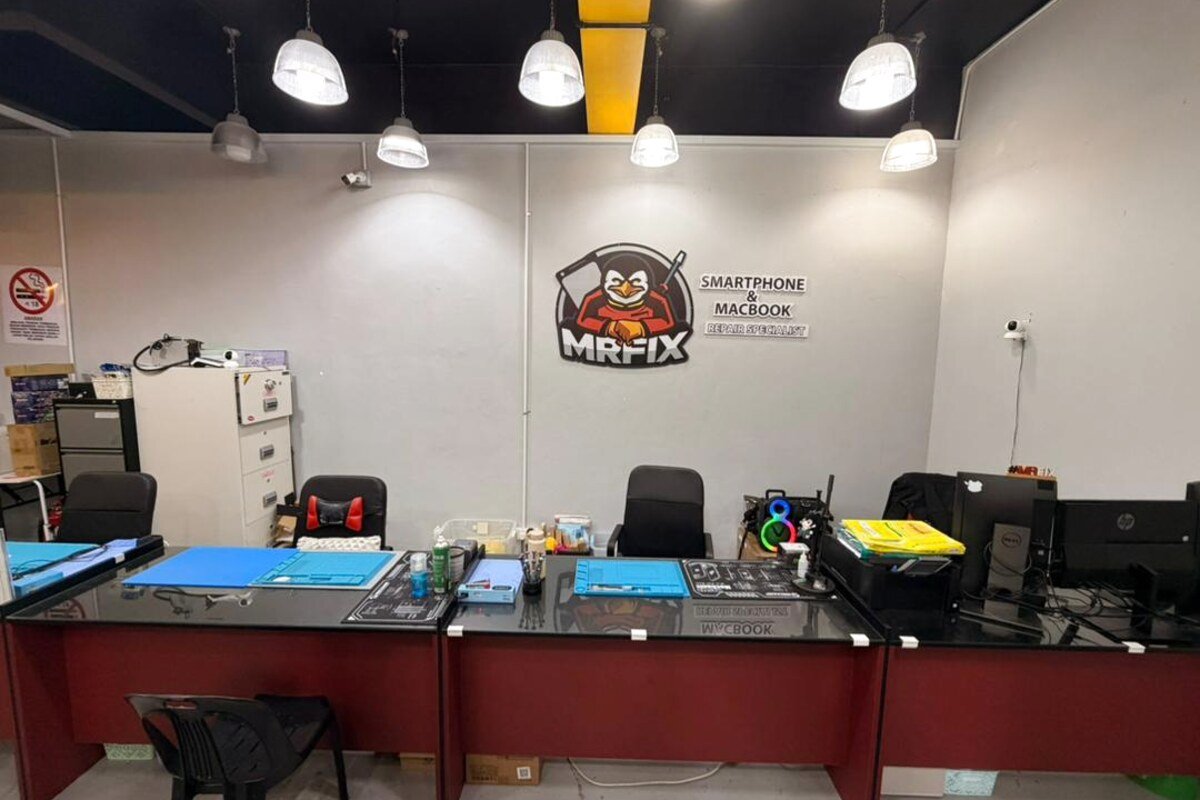
MRFIX Bangi can inspect partial-touch faults for customers from Bandar Baru Bangi, Kajang, Putrajaya, Serdang, Nilai and Semenyih. Bring the usual case or screen protector and any useful record of when the problem began.
Useful details for the technician
Send the phone model, affected area, recent events, screen condition, apps tested, and whether the picture remains stable. Do not include unlock codes, passwords, or private files.
Inspection is required before a part, price, repair time, or result can be confirmed.