A colour-uniformity checklist helps describe whether a phone has a whole-screen cast, an edge tint or isolated patches. For repair phone display tint Bangi, use short, controlled observations and avoid tests that heat or stress the display. The pattern matters more than trying to label the fault yourself.
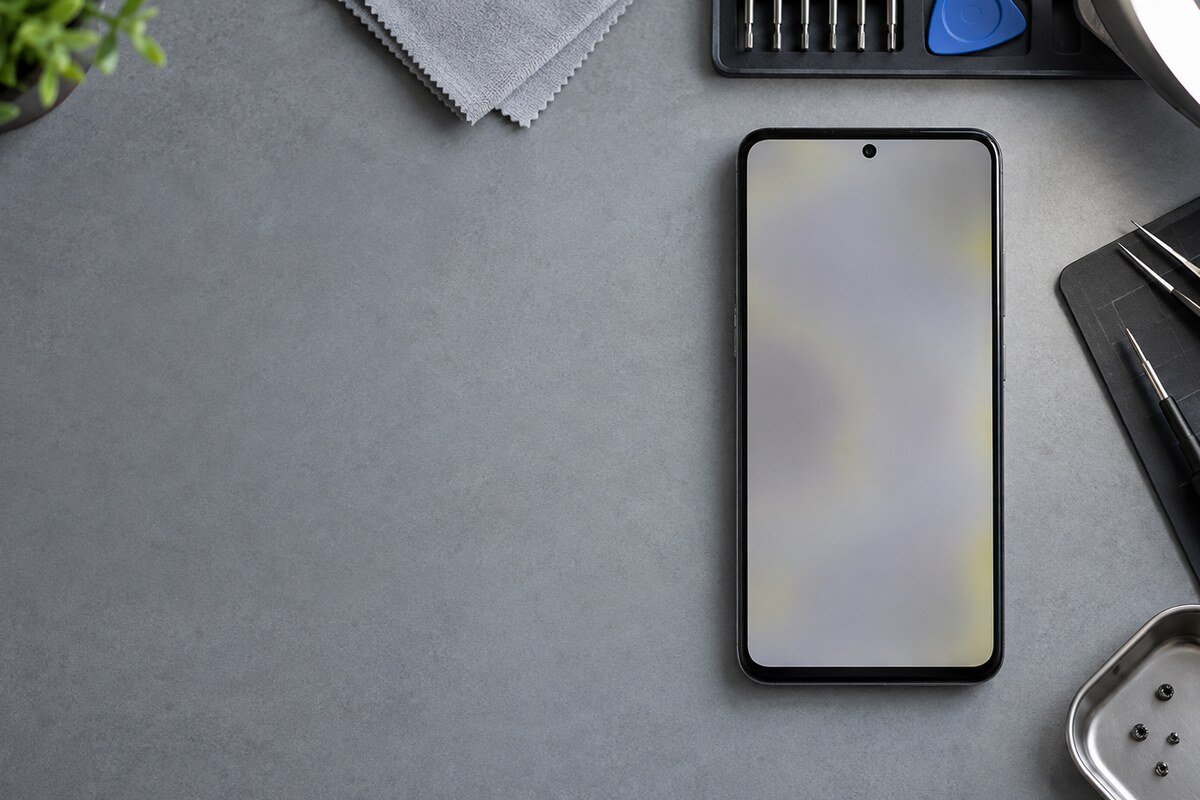
Safe colour-uniformity checklist
- Use plain white, mid-grey and dark-grey backgrounds.
- Check the screen under neutral, steady room lighting.
- Observe the centre, edges and corners at moderate brightness.
- Temporarily disable night-light and colour-correction settings.
- Note whether the tint changes after a restart or cooldown.
Keep each test brief. Maximum brightness and long static screens can raise temperature and make the observation less consistent. Do not press a discoloured area or run rapid flashing videos.
Record the pattern clearly
- Name the visible tint: yellow, green, blue, pink or purple.
- Mark whether it covers the full screen, an edge or a patch.
- Note the brightness level where it is easiest to see.
- Record any recent drop, heat event, moisture or screen replacement.
- Mention lines, flicker, dark spots or touch changes separately.

When to stop testing
Stop using and charging the phone if the display lifts, the body swells, the device becomes unusually hot or there is an unusual smell. These physical changes need inspection rather than continued screen tests.
Assessment near Bangi and Kajang
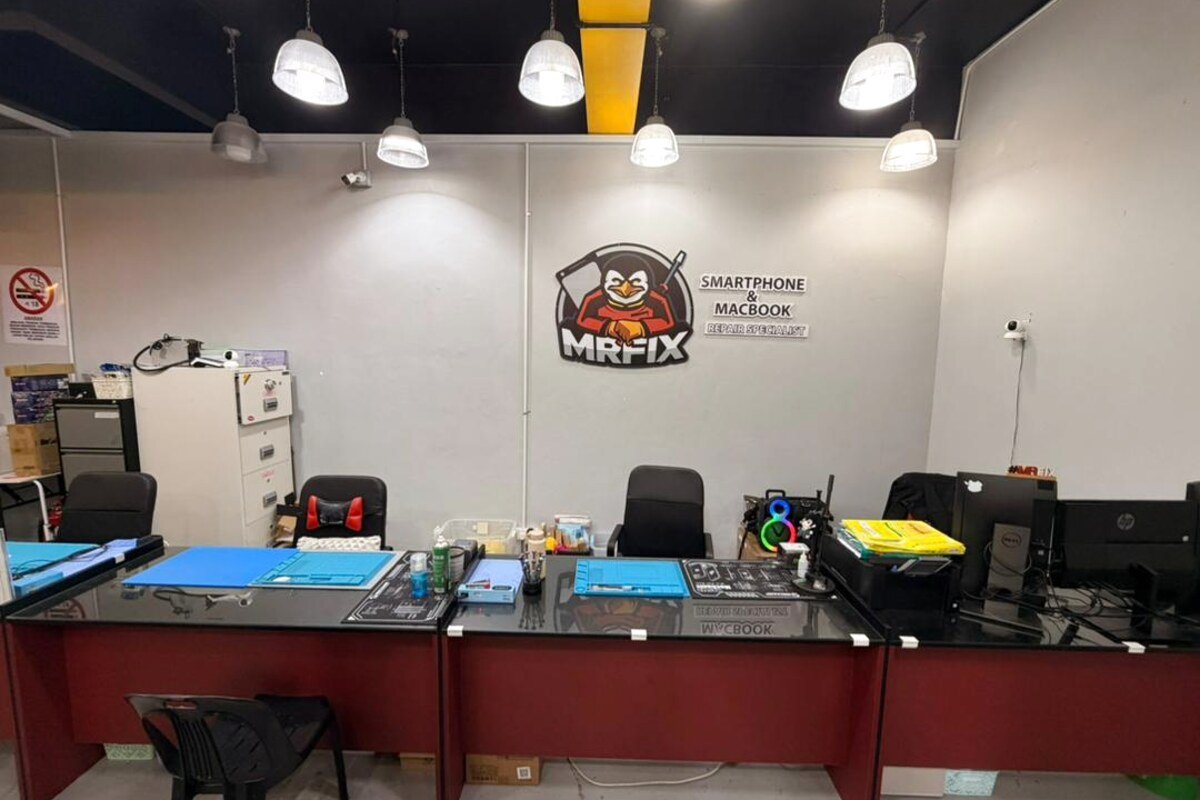
MRFIX Bangi in Seksyen 7 can review tint patterns, display settings and visible physical condition for customers from Bandar Baru Bangi, Kajang, Putrajaya, Serdang, Nilai and Semenyih.
The cause, component, price, repair time and outcome can only be confirmed after inspection.