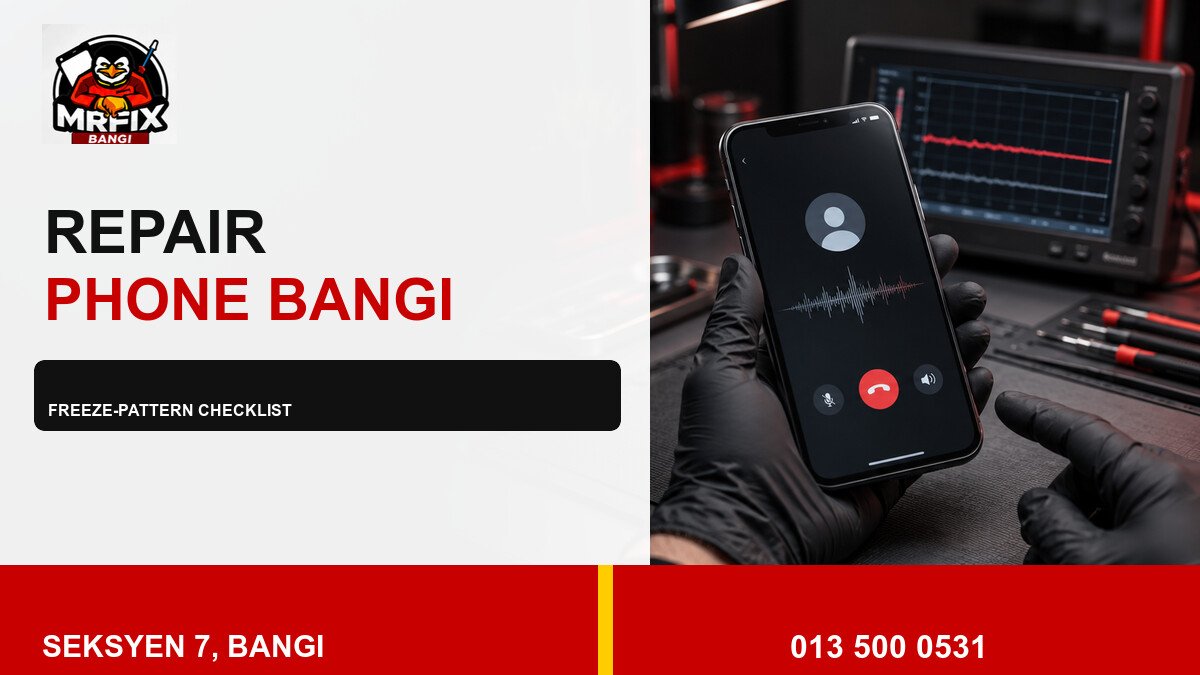
Intermittent freezes are easier to investigate when their pattern is recorded. For repair phone screen freeze Bangi, note the trigger, what continued working, and how the device recovered. This creates a useful checklist without treating every freeze as the same hardware or software problem.
Freeze-pattern checklist
- Trigger: app launch, camera use, video, call, charging or update.
- Scope: one app, the whole interface, or touch input only.
- Duration: a few seconds, several minutes, or until restart.
- Conditions: heat, low battery, limited storage or recent impact.
- Recovery: automatic, app closure, lock and unlock, or restart.
Record two or three occurrences if it is safe to do so. Do not deliberately repeat a heavy task when the phone is already hot or unstable.
Simple evidence that helps
- Film the frozen display with another device.
- Write down the time and app or function involved.
- Note whether audio, vibration and buttons still respond.
- Record charging, temperature and recent update details.
- Back up important data during a stable period.
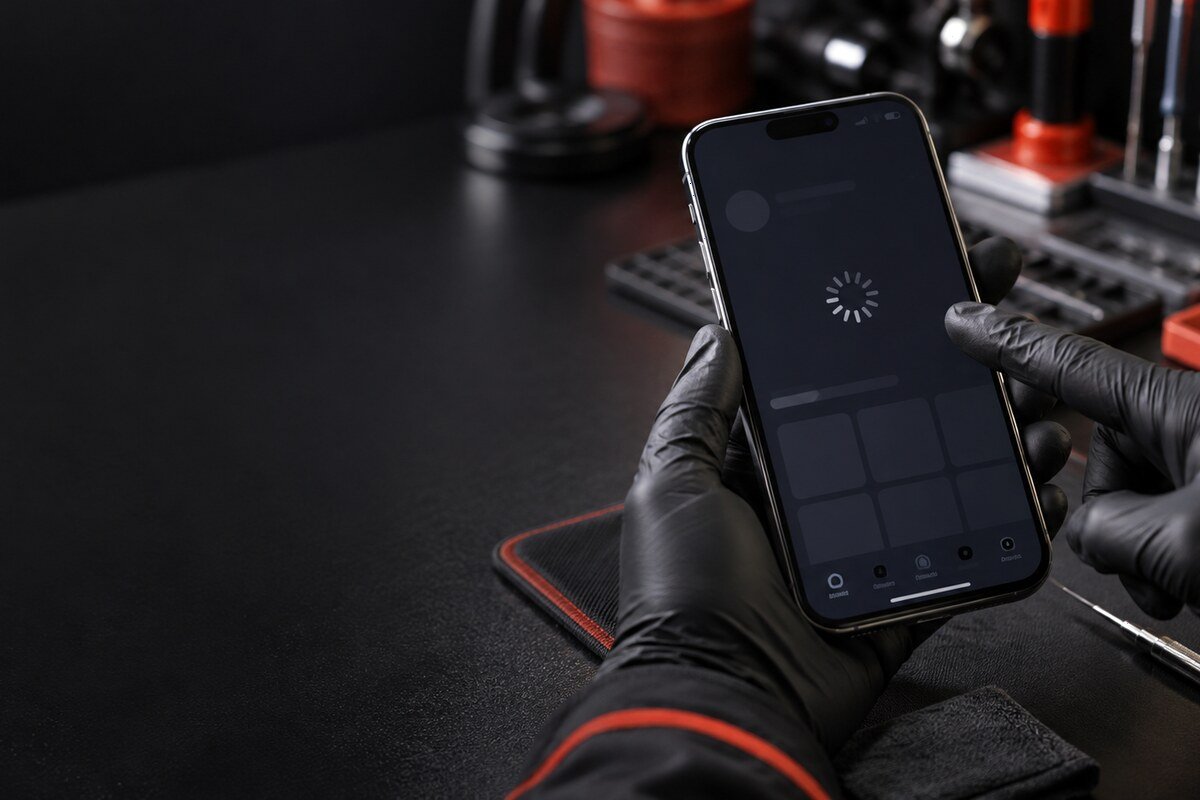
Stop when there is a safety warning
Do not keep testing a phone that is abnormally hot, swollen, giving off an unusual smell or lifting at the screen. Avoid pressure, heat, liquid cleaners and unfamiliar repair apps. These actions can create new damage or data risk.
Local assessment near Bangi
MRFIX Bangi in Seksyen 7 can review the pattern with customers from Bandar Baru Bangi, Kajang, Putrajaya, Serdang, Nilai and Semenyih. Touch response, storage behaviour, temperature, software stability and impact clues can be compared during intake.
Protect your privacy
Share the model and symptoms, but do not send passwords, PINs, private photos or account details. Mention backup status if access to data is important.
An inspection is needed before the cause, cost, repair time or expected result can be confirmed.