Before sending a device for repair phone Bangi, take a few minutes to protect your personal data. A smartphone may contain family photos, contacts, work documents, banking apps and private conversations. Proper preparation makes the service process smoother and reduces the impact if a reset becomes necessary or the phone has unstable storage.
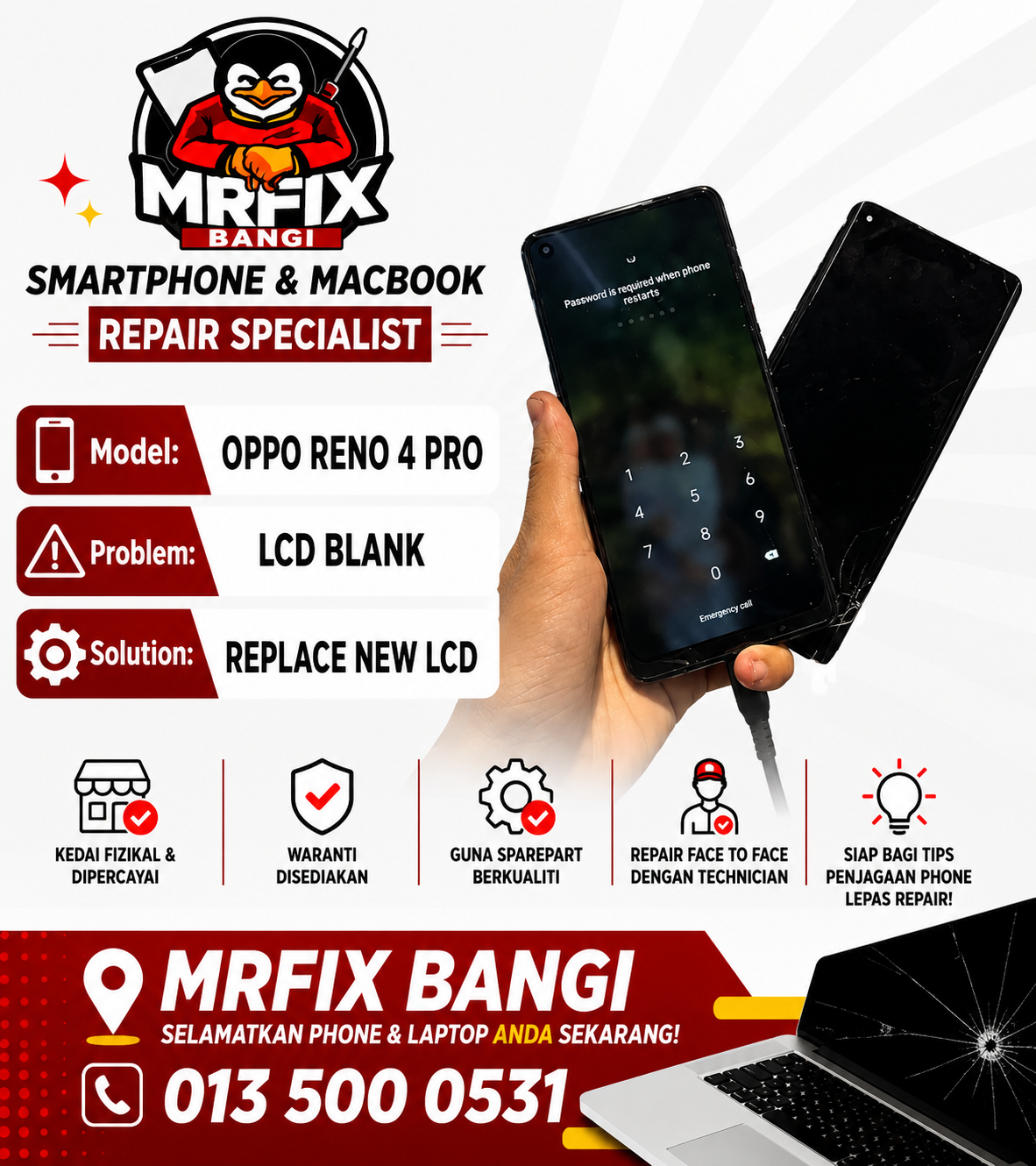
Back up what matters
If the phone still works, back up photos, videos, contacts, notes and documents to a computer or trusted cloud account. Confirm that the backup has completed and open a few important files from the copy. Check the backup settings of messaging apps separately. Keep a record of the main account used on the device in case the operating system must be restored.
This step is especially important when a phone restarts repeatedly, freezes on the logo, reports storage errors or has suffered liquid exposure. Many repairs do not erase information, but data on an unstable or damaged device can never be guaranteed.
Customer privacy checklist
- Back up important data and verify the copy.
- Remove the SIM and memory card unless they are needed for testing.
- Sign out of highly sensitive apps when practical.
- Remove temporary copies of identity documents or passwords.
- Write down the fault and functions that need to be tested.
- Never provide banking passwords, email passwords or one-time codes.
Should you remove the screen lock?
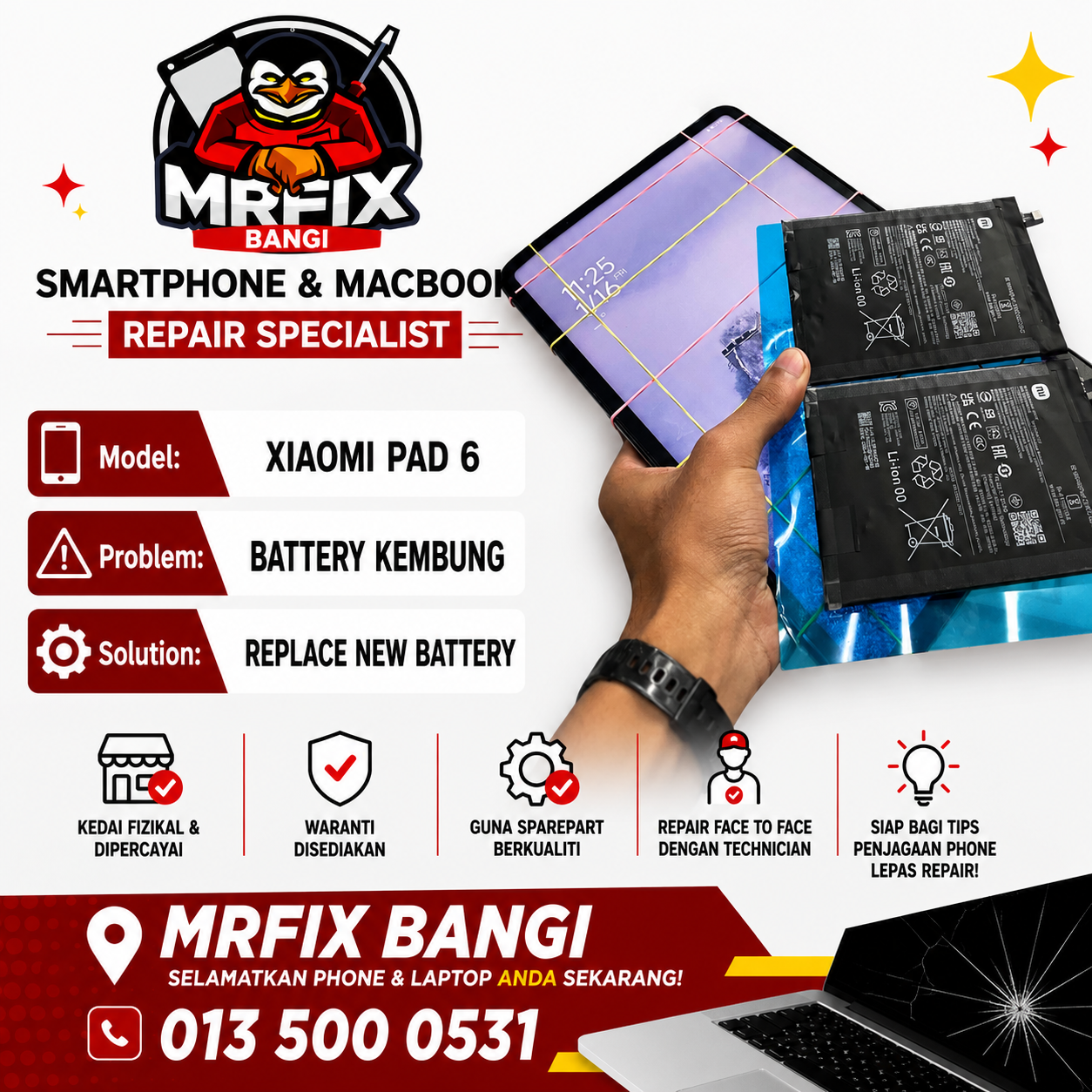
Post-repair testing may require access to the display, cameras, microphone, speakers, charging functions and network settings. You can create a temporary screen code and change it after collecting the phone. Share only what is required for testing and never disclose passwords for unrelated accounts. If you prefer not to provide access, discuss the testing limits with the technician.
When the phone does not switch on
Avoid repeated charging if the device has been exposed to liquid, smells unusual or becomes extremely hot. Bring it for inspection and tell the technician that your data is a priority. Diagnosis will show whether the phone can be repaired without affecting storage or whether additional work is required. Early action often provides a better chance than continuing to power an unstable device.

Book phone repair in Seksyen 7
MRFIX Bangi serves customers from Bandar Baru Bangi, Kajang, Putrajaya, Serdang, Nilai, Semenyih and nearby areas. The team handles many iPhone, Samsung, Xiaomi, Redmi, Poco, Oppo, Vivo and Realme models. Send the model, symptoms and your data priority through WhatsApp before visiting for a preliminary review.
A simple preparation routine protects private information and helps the service go smoothly. For repair phone Bangi in Seksyen 7, contact MRFIX Bangi and describe the condition of your device.