An intermittent mute switch is easier to diagnose when the behaviour is described clearly. This repair mute switch phone Bangi checklist separates physical movement, on-screen feedback, audio output and recent phone history into useful observations.
1. Check the physical movement
- Does the control move through its normal range?
- Does it remain in the selected position?
- Is the opening blocked by the case or debris?
- Does the side frame look uneven after a drop?
- Do nearby volume controls feel normal?

2. Compare the screen and sound response
Watch for a silent or ringer indicator when the control is moved once. Then check whether an incoming alert follows that state. A screen response without matching audio is a different clue from no screen response at all. Keep the test brief and at a comfortable volume.
3. Add the phone’s recent history
Include any recent case change, software update, drop, moisture exposure or repair. If the phone uses a configurable side button, record its assigned action. These details let the intake check follow the most relevant path instead of treating every silent-mode complaint as the same fault.

4. Protect the phone before inspection
- Do not force a stuck control.
- Keep liquids and spray cleaners away from the opening.
- Back up important data when the phone still operates normally.
- Bring the regular case and any short symptom video.
- Tell the technician if other side buttons are affected.
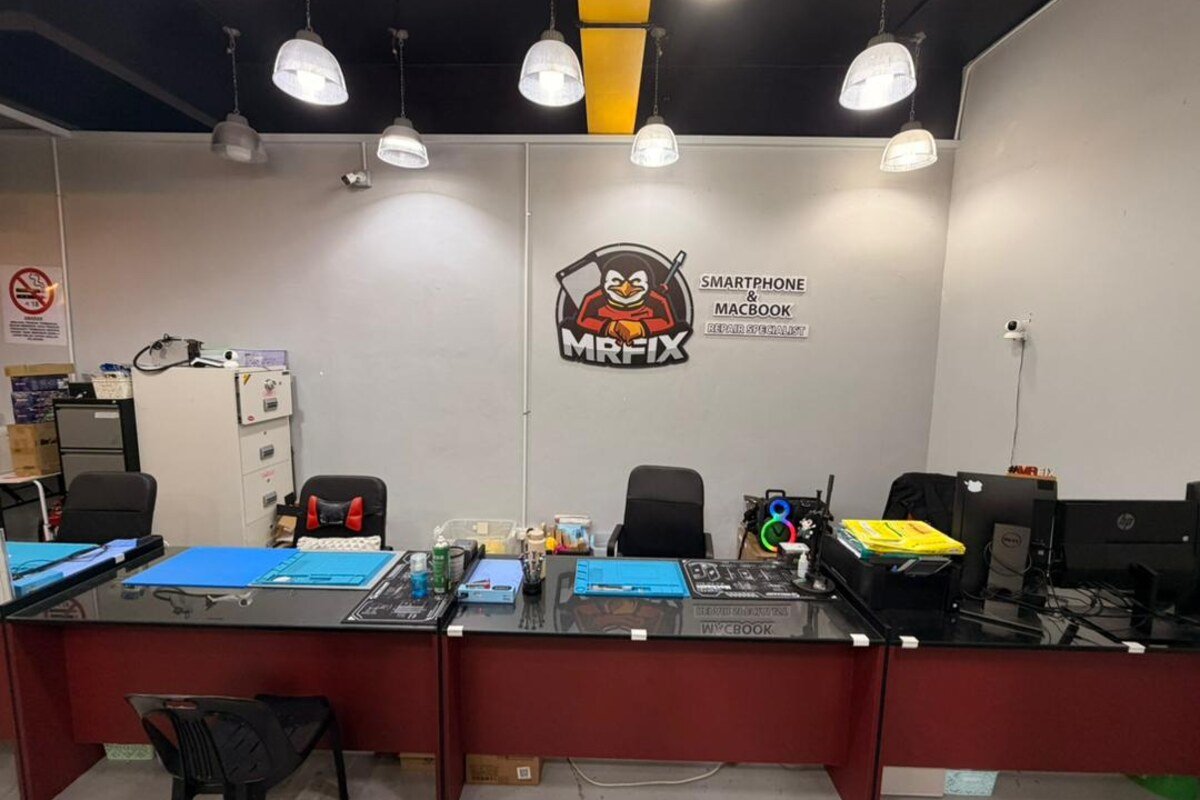
MRFIX Bangi in Seksyen 7 supports customers from Bandar Baru Bangi and nearby Kajang, Putrajaya, Serdang, Nilai and Semenyih. A clear checklist helps the team reproduce the symptom efficiently.