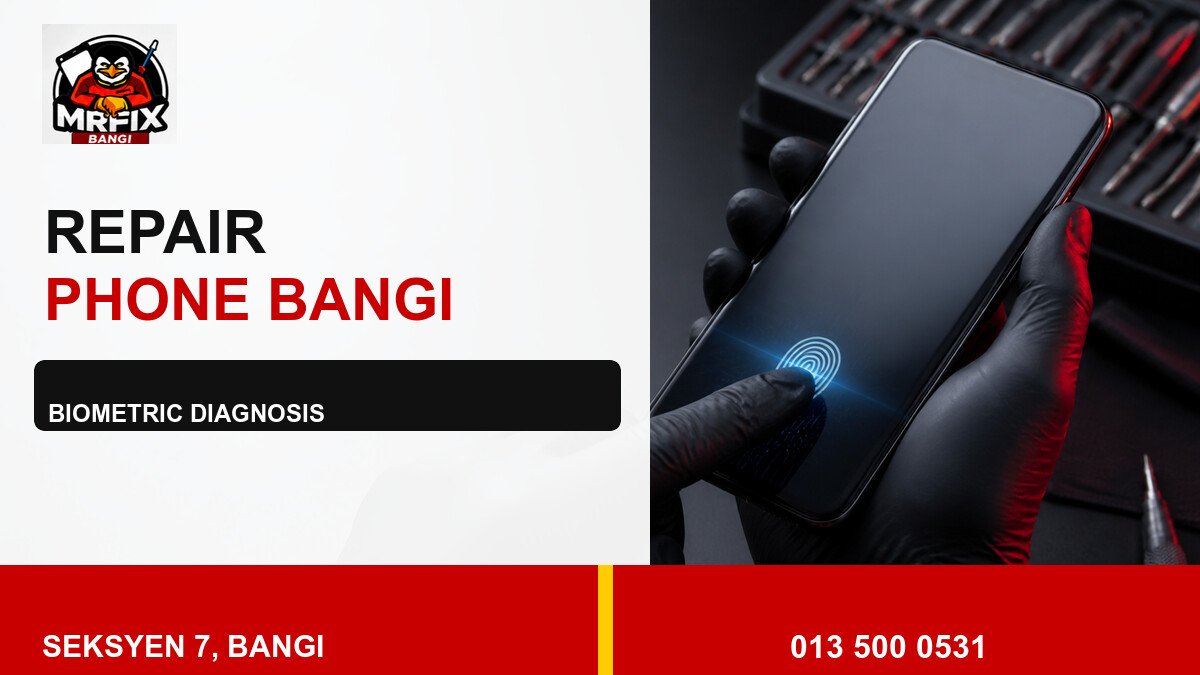
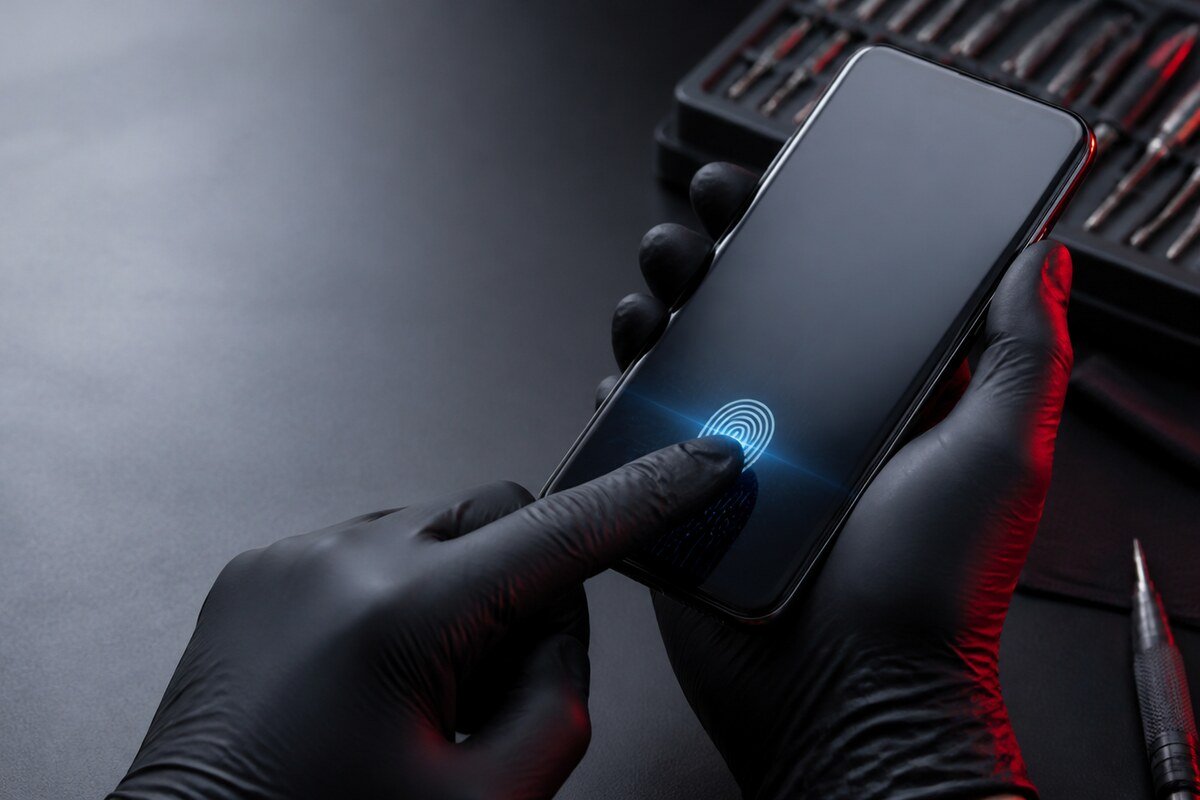
A fingerprint failure is a symptom, not a complete diagnosis. Depending on the model, the cause may involve enrolment data, the sensor surface, a side-button flex, an under-display scan area, a connector or damage from impact. A practical repair fingerprint sensor phone Bangi workflow checks evidence in a sensible order.
Step 1: describe the exact behaviour
Record whether the reader reacts to touch, whether every enrolled finger fails, and whether the biometric menu is still present. Test with clean, dry hands and avoid changing multiple settings at once. A clear baseline makes later comparisons meaningful.
- Slow recognition with occasional successful unlocks.
- No response from the sensor area.
- Fingerprint enrolment stops before completion.
- The issue follows a drop, screen service or moisture exposure.
WhatsApp MRFIX Bangi: 013 500 0531
Step 2: check external factors
Inspect the protector, case, button feel, screen condition and frame alignment. Restart the device once and compare another registered finger. Do not use abrasive cleaner, liquid around openings, or excessive pressure on the scan area.
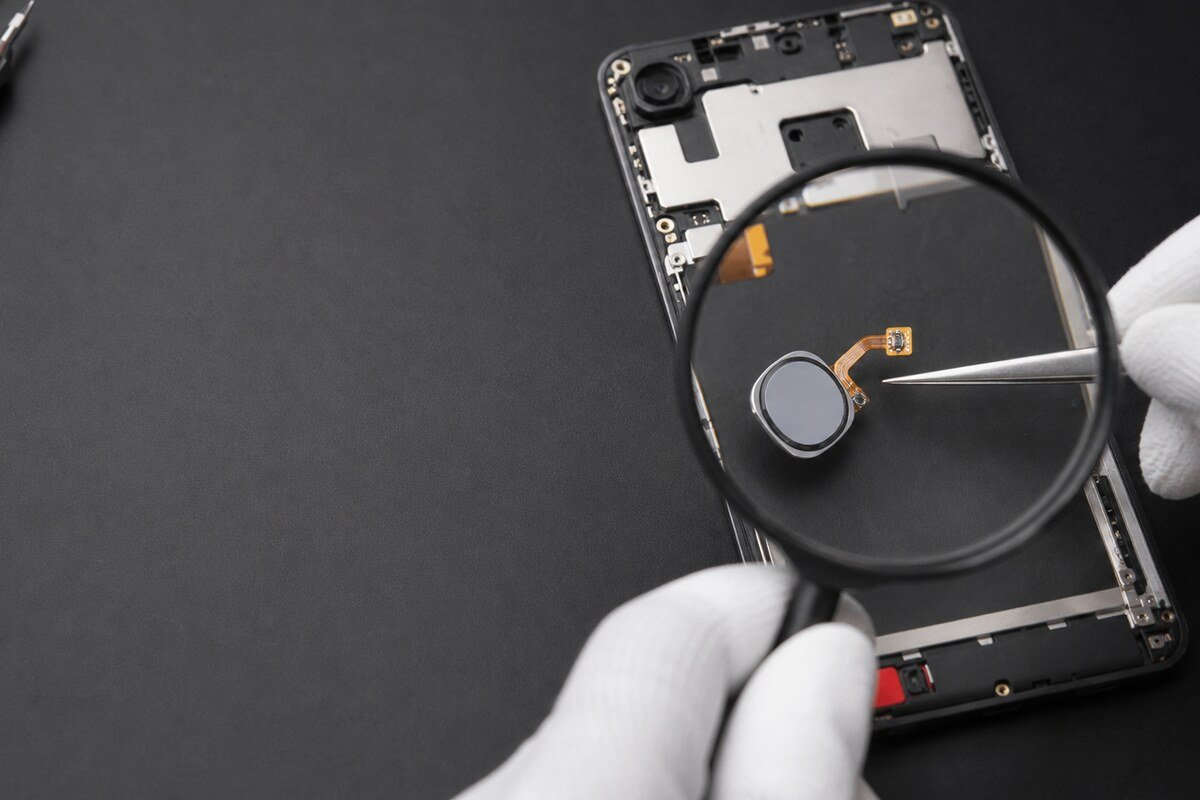
Step 3: connect the fault to recent history
A fault that began after impact needs a different line of enquiry from one that followed a new screen protector. Previous repair work, moisture and a missing settings option are also useful clues. None of them alone confirms the final cause.
Submit a Repair Booking Request
What to provide for the inspection
Share the phone model, sensor location, recent changes and any other affected functions. With these details, a repair fingerprint sensor phone Bangi assessment can focus on the most relevant checks without promising a diagnosis before the phone is examined.