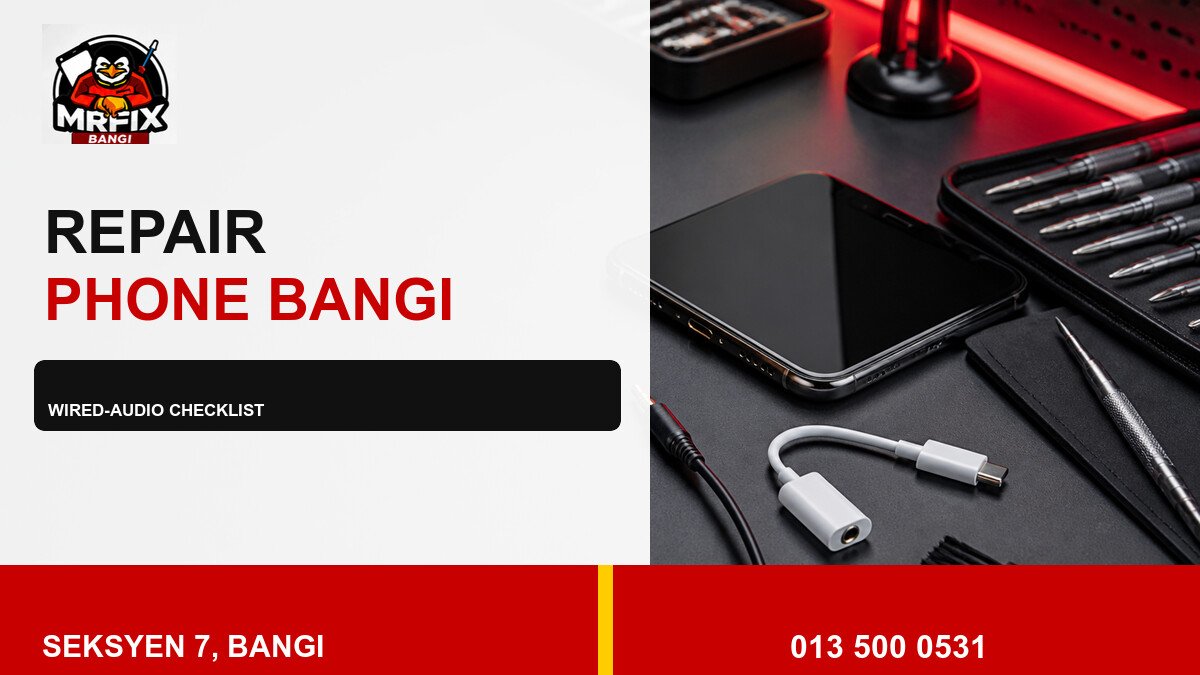
A wired headset problem is easier to diagnose when the checks are completed in a safe order. This practical repair headphone jack phone Bangi checklist covers connection fit, channel output, microphone response and accessory comparison without forcing the socket.
Step 1: confirm the connection type
Identify whether the headset connects directly through a 3.5 mm plug or through an adapter. Confirm that the accessory is intended for the phone and remove any case that blocks the connector. Do not test an unknown or visibly damaged plug.
- Inspect the plug for bends or heavy wear.
- Insert it straight without twisting.
- Play familiar audio at a moderate volume.
- Compare left and right channels.
- Test the headset microphone during a call or recording.
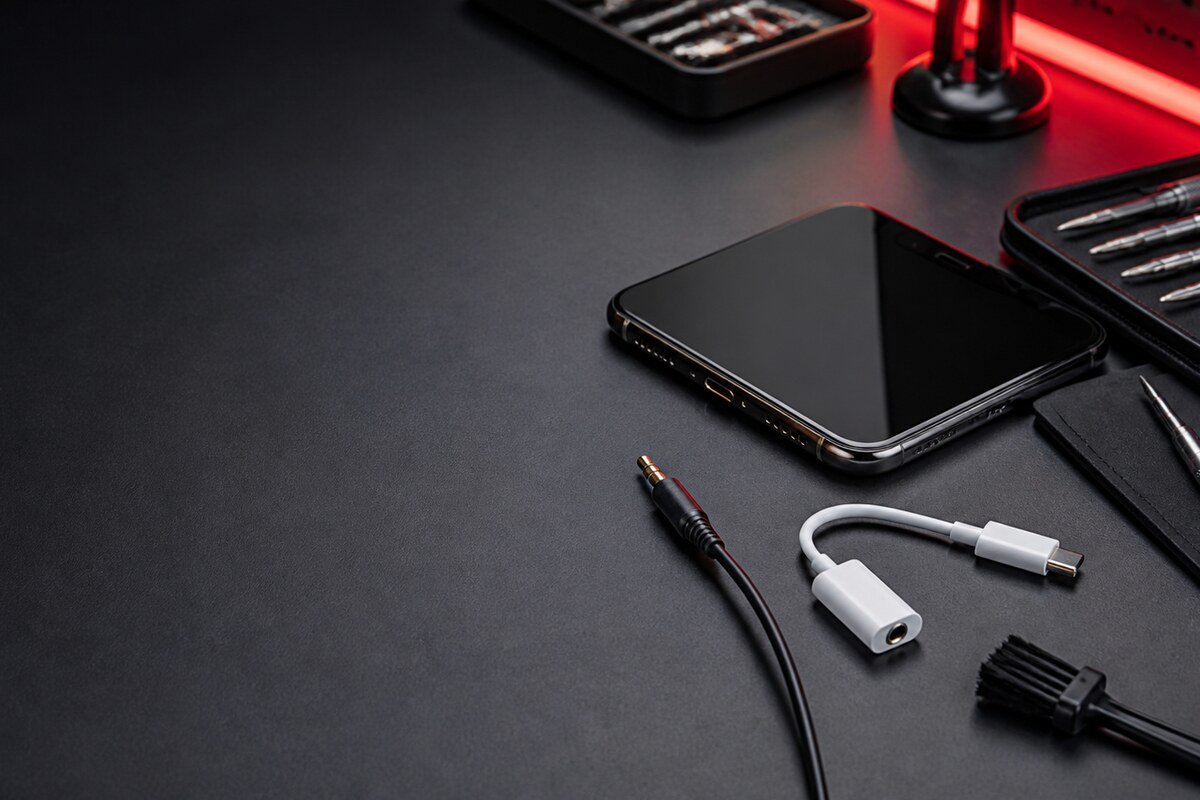
Step 2: repeat with one known-good accessory
Use one compatible headset that works correctly on another device. If the fault disappears, the original cable or plug is the stronger suspect. If the same channel, microphone or connection issue remains, record the result for the technician. Avoid cycling through many accessories because poorly matched plugs can confuse the comparison.
Step 3: stop when warning signs appear
Stop testing if the plug sits at an angle, the port feels loose, moisture exposure is possible or the phone becomes unusually warm. Do not use metal tools, cleaning fluid or excessive air pressure. Preserving the present condition gives the inspection a clearer starting point.
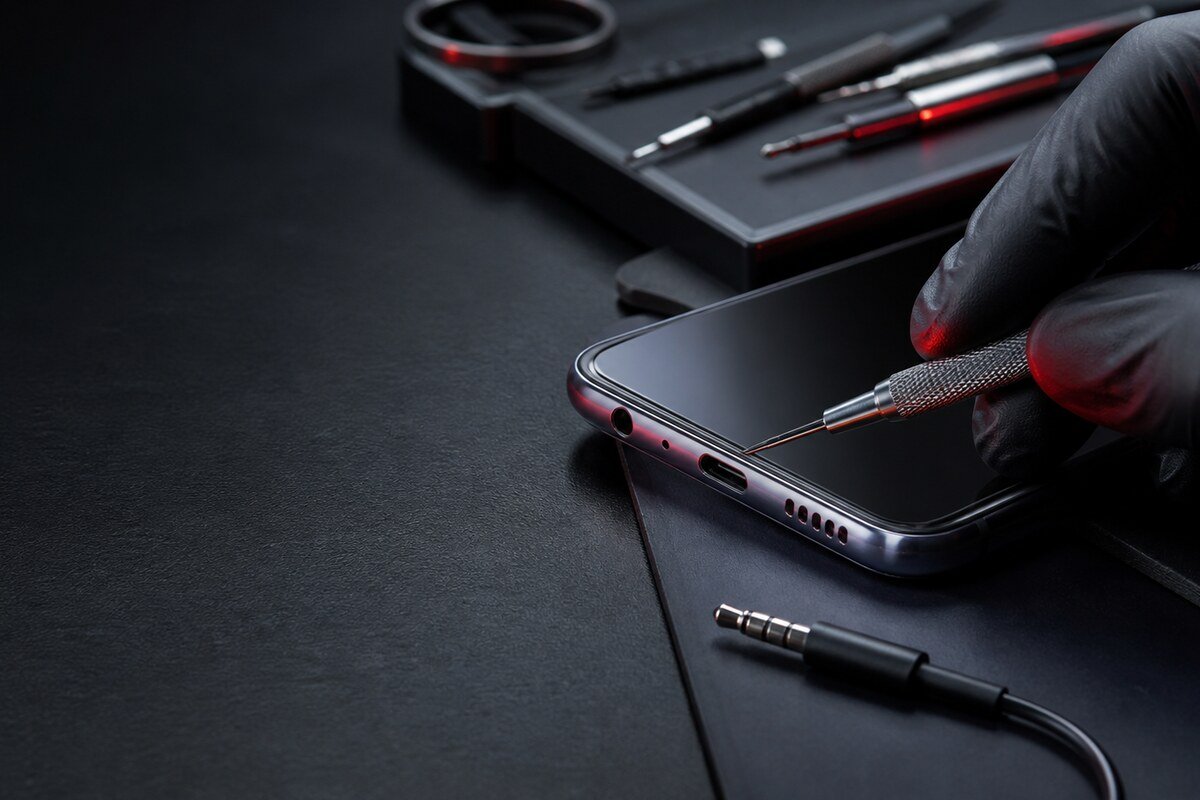
Check related functions after an impact
If the phone landed on its lower edge, note any changes to charging, speakers, microphones or nearby controls. This does not mean every function shares one fault, but it helps the technician inspect the affected area in a sensible order. Describe which symptom appeared first and whether it has become more frequent.
Transport the phone without leverage on the socket
Remove the headset before travelling and keep the phone in a case that does not press on the port opening. Carry adapters and earphones separately. A connected cable can act as a lever inside a bag and place more force on an already loose socket. If moisture may be present, avoid charging or heating the device.
Details to include at intake
- Phone model and accessory connection type.
- Whether music, calls or both are affected.
- Which channel loses sound.
- Whether the issue follows cable movement.
- Any recent drop, pressure or liquid exposure.
MRFIX Bangi is in Seksyen 7 for customers from Bangi, Kajang, Putrajaya, Serdang, Nilai and Semenyih. Bring the headset and adapter that reproduce the issue so the technician can compare the complete wired-audio path.