WiFi faults are easier to assess when the symptoms are recorded in a consistent order. This practical repair WiFi phone Bangi checklist helps you describe discovery, connection, range and stability without guessing which component is responsible.
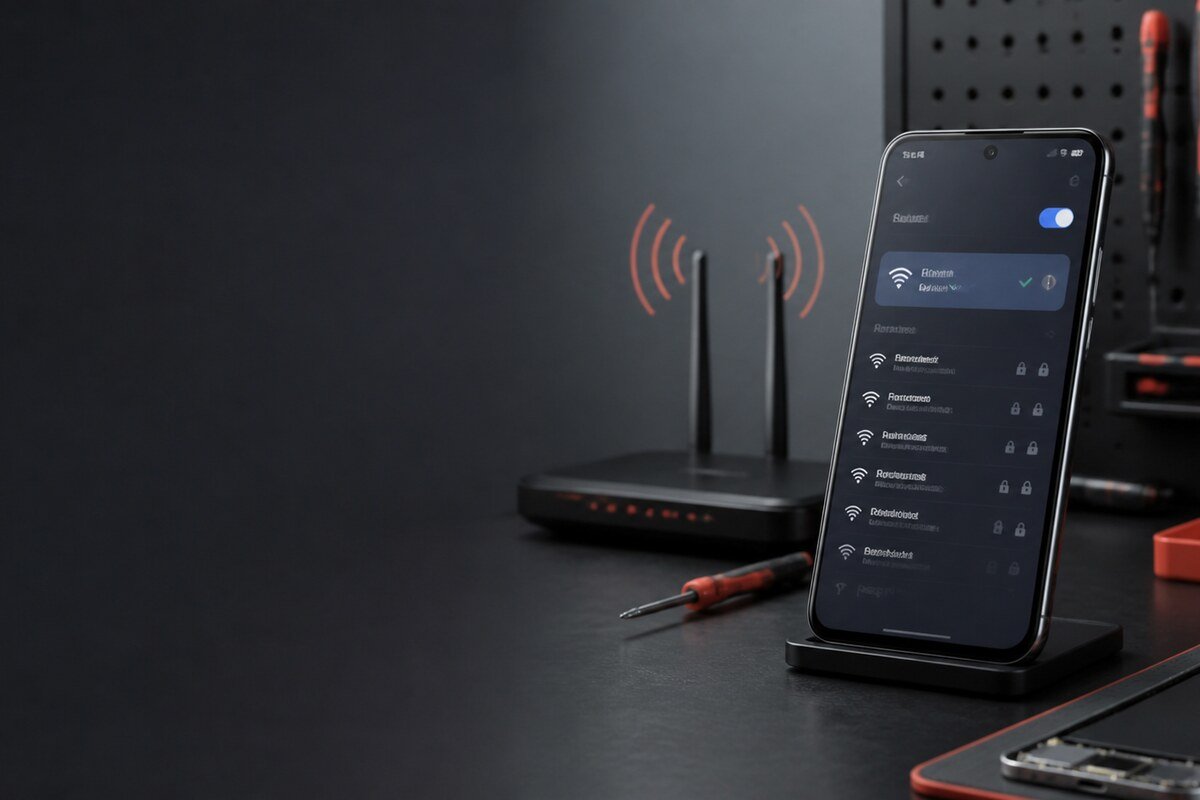
1. Can the phone discover networks?
Check whether nearby network names appear at all. Compare the list with another phone in the same position. A missing network list is different from seeing a network but failing to join it, so keep these observations separate.
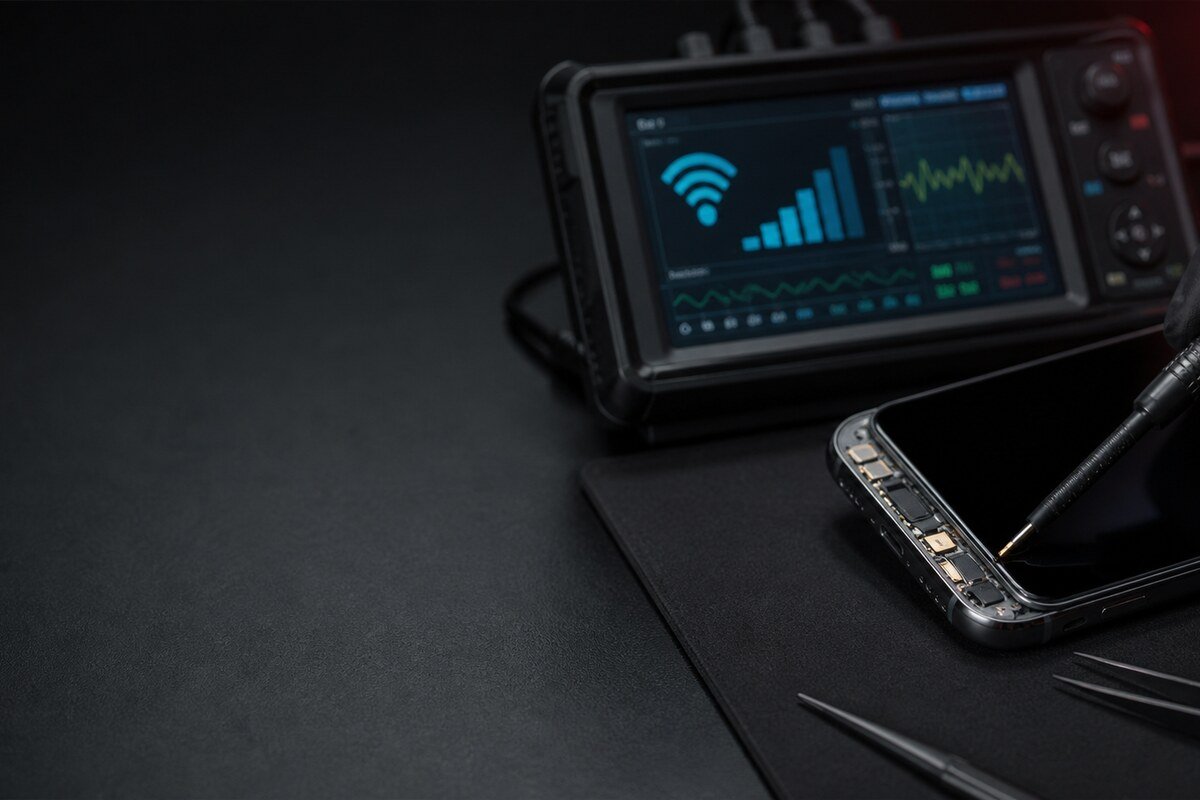
2. Does it join and receive internet access?
- Note any password or authentication warning.
- Check whether the WiFi icon appears but apps remain offline.
- Try a second trusted network or a temporary hotspot.
- Observe whether the phone reconnects after being locked.
3. Compare range and stability
Use the same router, position and test period for both the affected phone and a comparison device. Record whether the connection becomes slow, loses the network completely or returns by itself. Do not use signal bars as the only measurement because interfaces can display them differently.
4. Add the phone’s history
- Recent software update or network reset.
- Drop, bent frame or impact near the phone edge.
- Moisture exposure, even if brief.
- Screen, frame or internal service performed earlier.
- Case or accessory changes before the issue began.
MRFIX Bangi in Seksyen 7 can assess phones for customers around Bandar Baru Bangi, Kajang, Putrajaya, Serdang, Nilai and Semenyih. A short, accurate checklist helps the inspection focus on repeatable evidence rather than assumptions.