

A phone does not need to stop working completely before it deserves attention. Small changes in the screen, battery, charging behaviour or temperature can interrupt daily work and may become more difficult to explain later. If you are searching for Kota Warisan phone repair, recognising the symptoms early helps you provide useful information during an inspection.
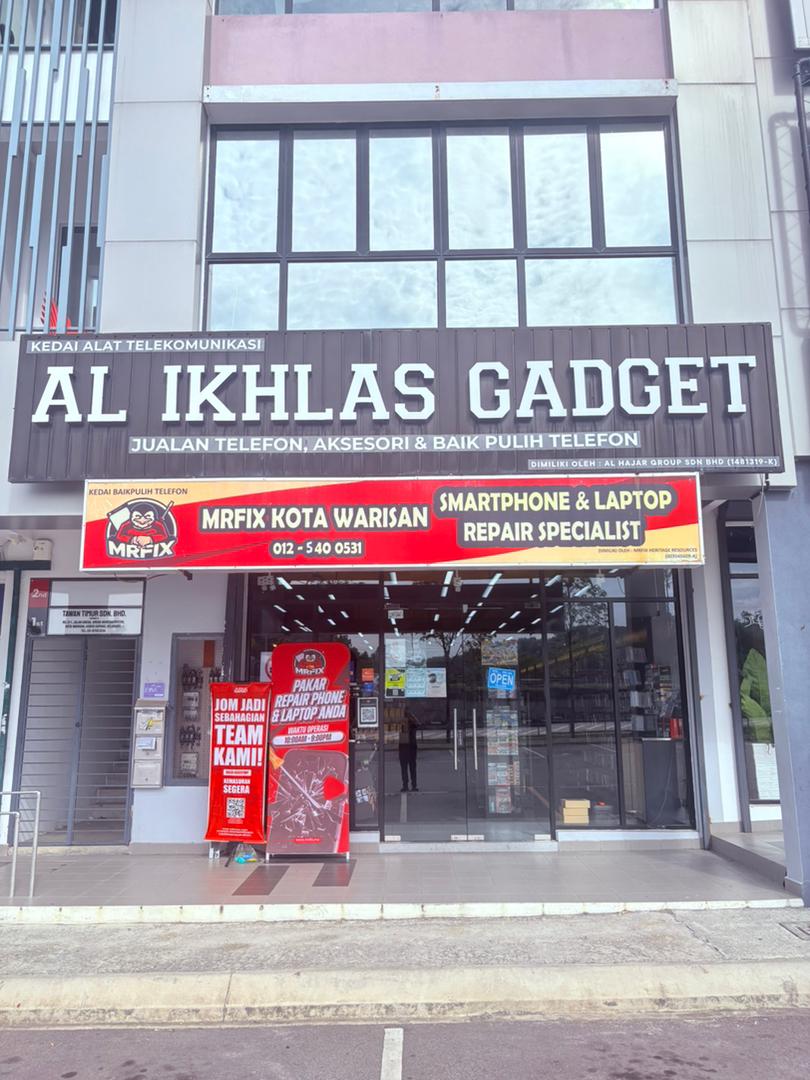
MRFIX Kota Warisan receives enquiries from Kota Warisan, Salak Tinggi, Bandar Baru Salak Tinggi, Bandar Serenia, Sunsuria City, Saujana KLIA, Sepang, KLIA, KLIA2, Dengkil, Kota Seriemas, Bandar Enstek, Nilai and Cyberjaya. The shop is at 21-G, Jalan Arena Warisan Puteri, Kota Warisan, 43900 Sepang.
Screen symptoms beyond cracked glass
A visible crack is easy to notice, but display problems can also appear under intact glass. Watch for coloured lines, dark patches, flickering, unusually dim brightness or a screen that remains black while the phone still vibrates. Touch input that responds slowly, misses certain areas or moves by itself should also be recorded.
- The screen flashes when brightness changes.
- Touch works in one section but not another.
- The display has lines, discolouration or dark spots.
- The glass or back cover appears to lift from the frame.
Battery percentage dropping unexpectedly
Battery performance changes with age, settings, applications and device condition. Pay attention when the percentage drops suddenly, the phone shuts down with power remaining or the device needs to be charged much more often than usual. Stop pressing on the back cover if it appears raised and arrange an inspection.
Heat is another useful clue. Note whether the phone becomes hot during charging, video calls, navigation, gaming or even light use. Do not place an overheated phone in water or a refrigerator. Move it away from direct sunlight, stop demanding tasks and allow it to cool safely.
Charging that connects and disconnects
A charging issue may involve the cable, adapter, port, battery or another component. Test with a known working set when possible. If charging only works while the cable is held at an angle, avoid forcing the connector because repeated pressure can make the condition worse. Bring the usual charger when visiting for a charging complaint.
Moisture exposure needs a careful response
If a phone has been exposed to water or another liquid, switch it off when it is safe to do so and avoid charging. Do not use a hair dryer, oven or strong heat. Note what liquid was involved and when the incident happened. Moisture effects may not be visible from the outside, so accurate information is important.
Sound, camera and performance changes
Speaker distortion, a quiet microphone, camera shaking, buttons that respond intermittently or frequent restarts are also worth checking. Record whether the issue occurs in one application or across the whole phone. A short video from another device can be useful when the symptom disappears before the visit.
Serving Kota Warisan and nearby routes
Kota Warisan is convenient for customers around Salak Tinggi, Sepang and KLIA. People travelling from Nilai, Bandar Enstek, Dengkil or Cyberjaya may plan a visit when they are nearby. Always confirm the Kota Warisan address before travelling.
Describe your phone symptoms
Send the model, symptoms and when the issue started.
Submit a repair enquiry
Use the Kota Warisan booking form to share your device details before visiting.
Do not wait for every function to fail. Early notes, a backup and the correct accessories make a Kota Warisan phone repair enquiry clearer. Contact MRFIX Kota Warisan for an initial question or bring the device for inspection.


