A phone not working in Putrajaya can quickly become a serious inconvenience. You may lose access to work messages, maps, online payments and authentication apps. Before trying random fixes or replacing a part, start by recording the symptoms and arranging a proper device diagnosis.
This guide explains what to do when a phone develops display, battery, charging or liquid-related problems—and how to book an inspection with MRFIX Putrajaya.

Describe the symptom before looking for a solution
Instead of saying only that the phone is “broken”, note exactly what happens. Does the screen light up? Does the phone react when connected to power? Did the problem begin after a fall, liquid exposure or software update? These details may help a technician narrow down the possible cause.
Common warning signs include ghost touches, lines on the screen, rapid battery drain, an unstable charging connection, unusual heat, camera vibration, missing sound or a device that no longer powers on.
What not to do with a damaged phone
Do not insert metal or sharp objects into the charging port. Stop using a phone with a visibly swollen battery, and keep it away from heat. If the device has been exposed to liquid, avoid charging it or using a hair dryer. Strong heat and electrical current may increase the risk of further damage.
If the phone remains accessible, back up important information. Make a note of any function that still works and any specific action that causes the fault to appear.
Why diagnosis matters before phone repair
One symptom may have several possible causes. A phone that will not charge could have an accessory problem, a damaged charging port, a weak battery or an internal fault. Diagnosis helps prevent decisions based on assumptions alone.
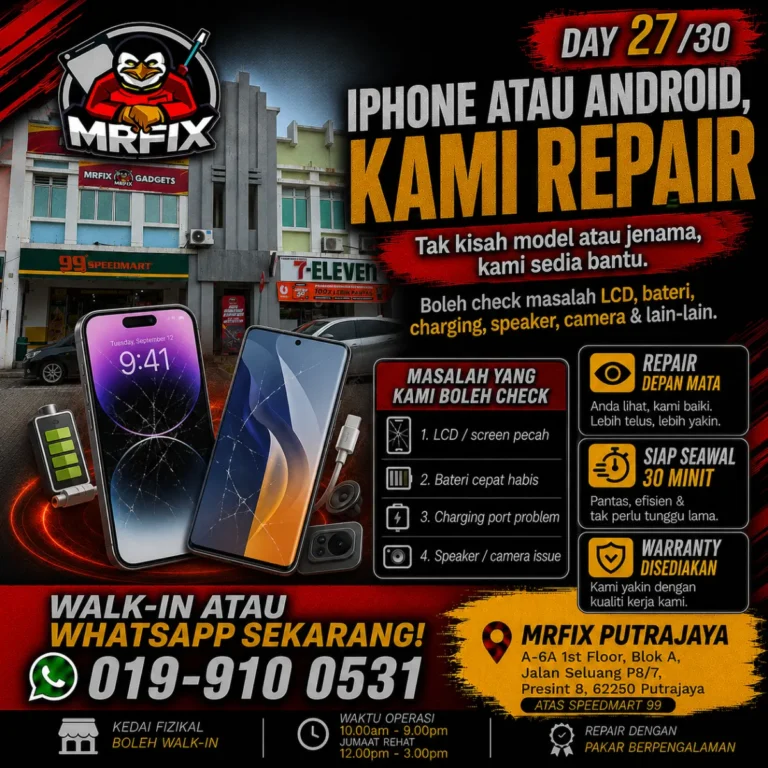
MRFIX Putrajaya promotes a check-first approach, a transparent explanation, repair in front of the customer when suitable, and warranty coverage for applicable repairs. Explore the wider range of repair information on MRFIX Gadgets, or refer to the official Putrajaya branch page for local details.
A phone repair location near Presint 8

MRFIX Putrajaya is located at A-6A, 1st Floor, Blok A, Jalan Seluang P8/7, Presint 8, 62250 Putrajaya. Send the device model, symptoms and preferred date before visiting if you would like the shop to receive your initial information in advance.
Book an inspection for a phone that is not working
Questions customers often ask
Can I walk in without an appointment?
You may contact the shop before visiting to share your device details. A WhatsApp booking is useful when you want to provide the model and problem in advance.
Should I buy a replacement part first?
No. Wait for the device to be inspected. Buying a component before the cause is known may not solve the problem.
How can I protect my information?
Back up important information if the phone still works. Tell the technician if the device contains essential data or if there are functions that must not be changed.
If you have a phone not working in Putrajaya, stop risky DIY attempts, preserve the information you can access and begin with a clear device inspection.