A useful compass diagnosis needs a short, repeatable checklist. This repair compass phone Bangi guide focuses on what changes the heading, which details to record, and when a physical inspection becomes reasonable without assuming a part has failed.
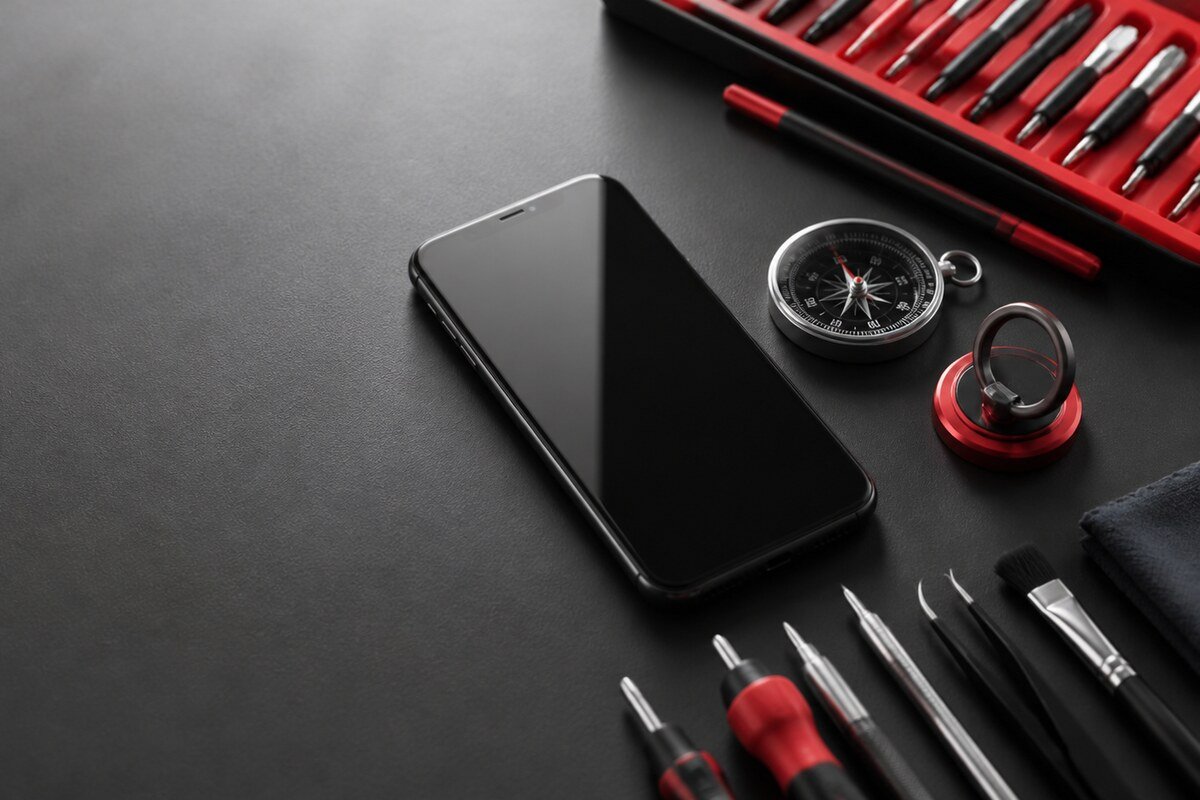
Step 1: isolate accessories and surroundings
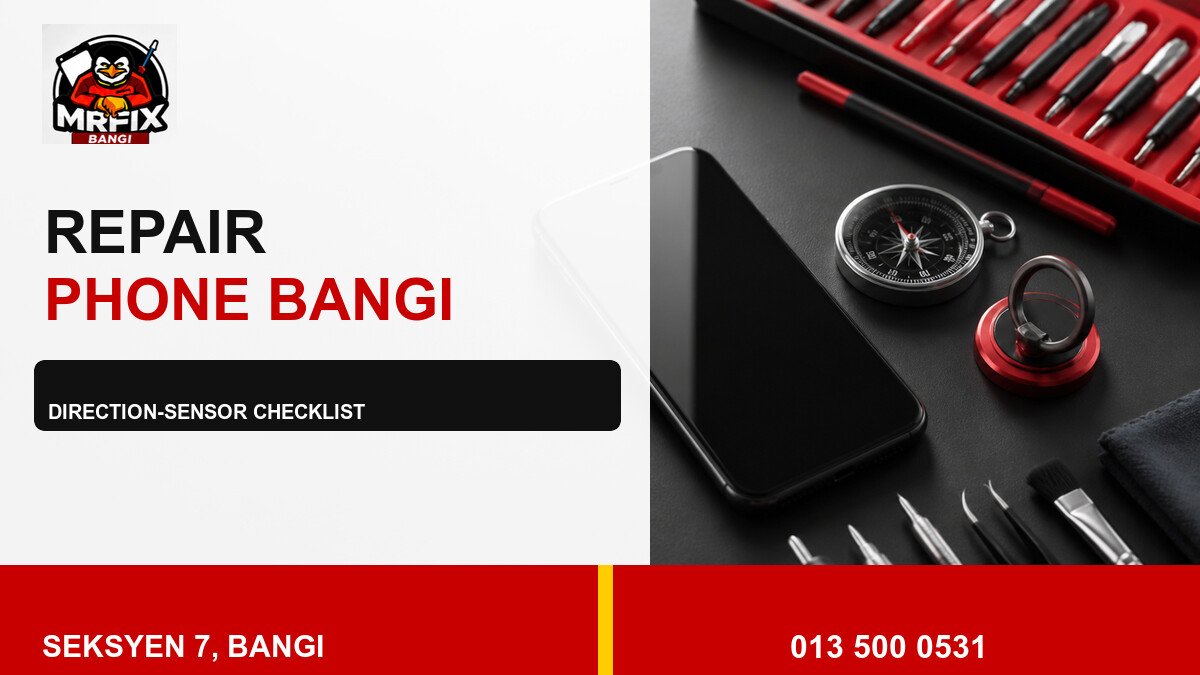
- Remove magnetic cases, wallets, rings and mount plates.
- Move away from speakers, metal tables and strong magnets.
- Test in an open area with the phone held normally.
- Follow only the app’s official calibration prompt.
- Repeat the test in a second app.
Step 2: describe the movement
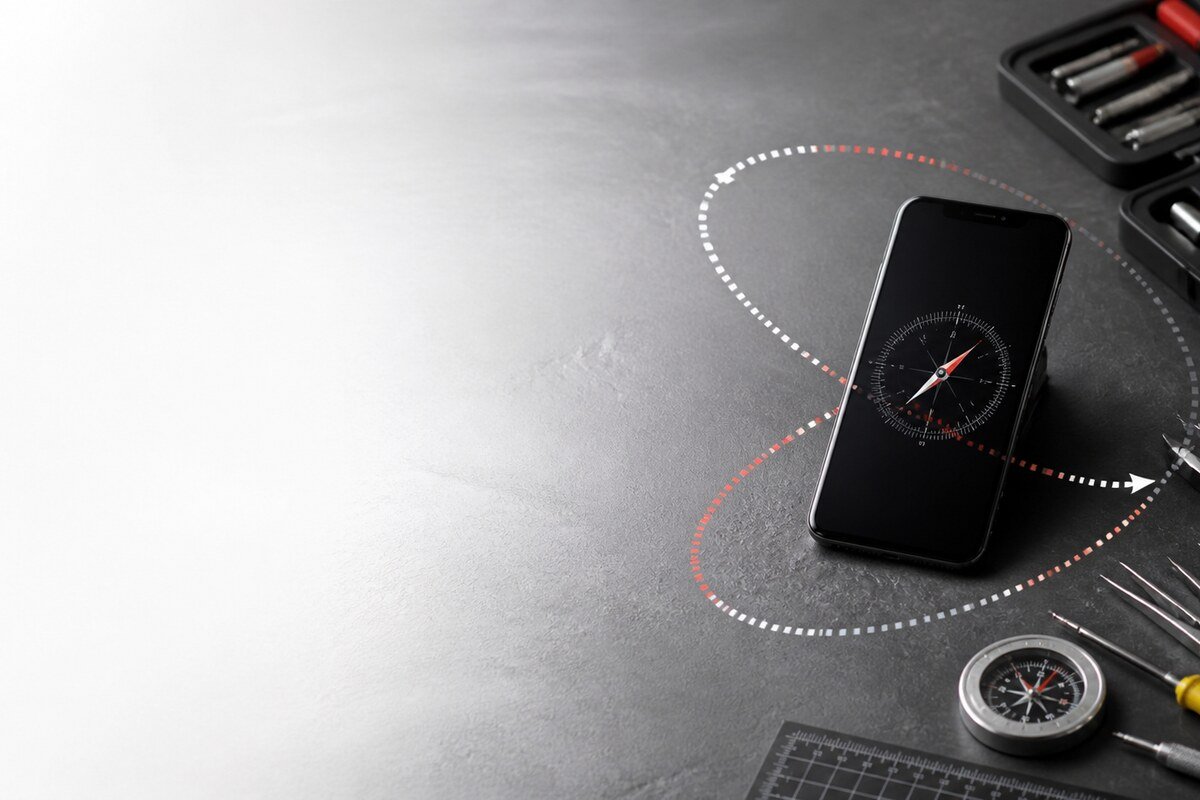
Watch whether the heading rotates smoothly as the phone turns, jumps by large angles, freezes, or slowly drifts while the device is still. Note whether the behavior begins immediately or after several minutes. Avoid rapid shaking because it makes the result harder to interpret and can hide a repeatable pattern.
Step 3: add device history
Record any recent drop, moisture contact, housing damage or previous repair. Also mention whether navigation location remains accurate while only the direction is wrong. A technician can use this history with app comparison and visual inspection to decide whether more detailed checks are justified. The process should stay evidence-led rather than guessing a sensor from one symptom.
What to bring
- The phone with its normal case.
- Any magnetic wallet, ring or car mount plate.
- Names of affected apps.
- A short note of when the issue began.
- No passwords, PINs or private travel records.
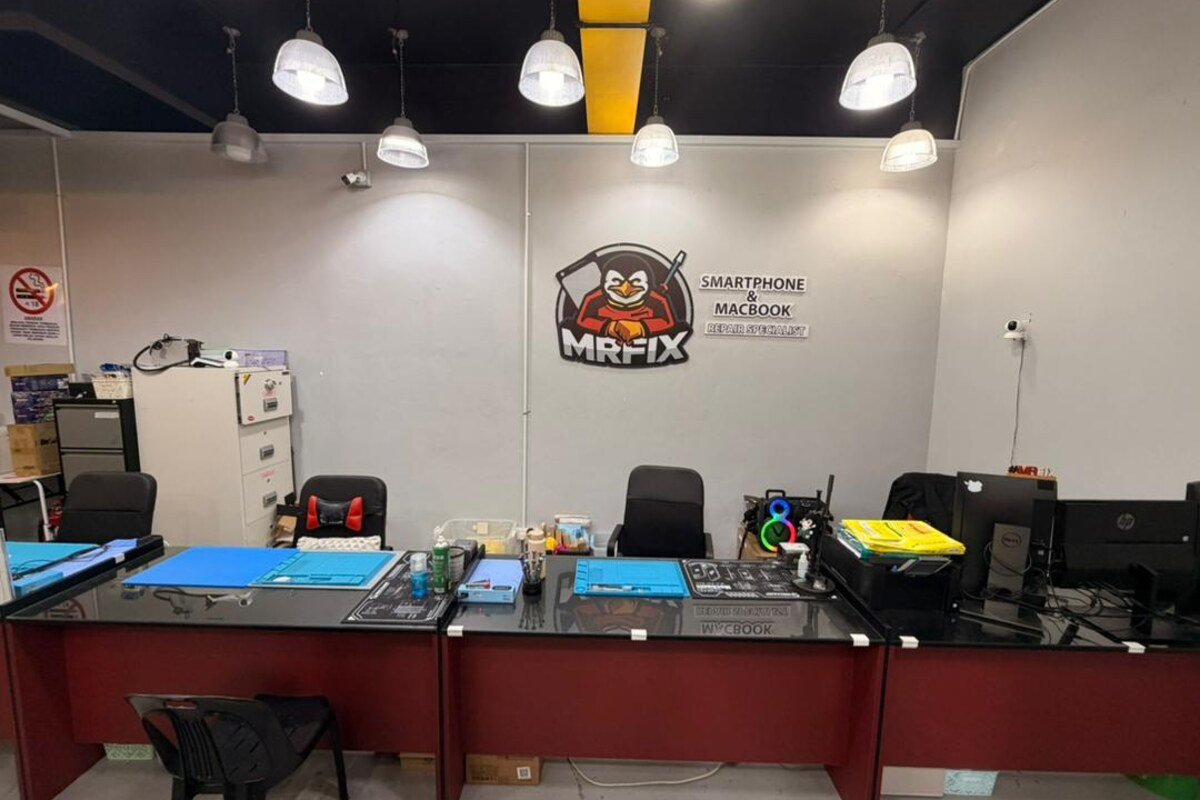
MRFIX Bangi in Seksyen 7 serves customers from Bandar Baru Bangi and nearby Kajang, Putrajaya, Serdang, Nilai and Semenyih. Bring the accessories you actually use so the symptom can be checked in context.