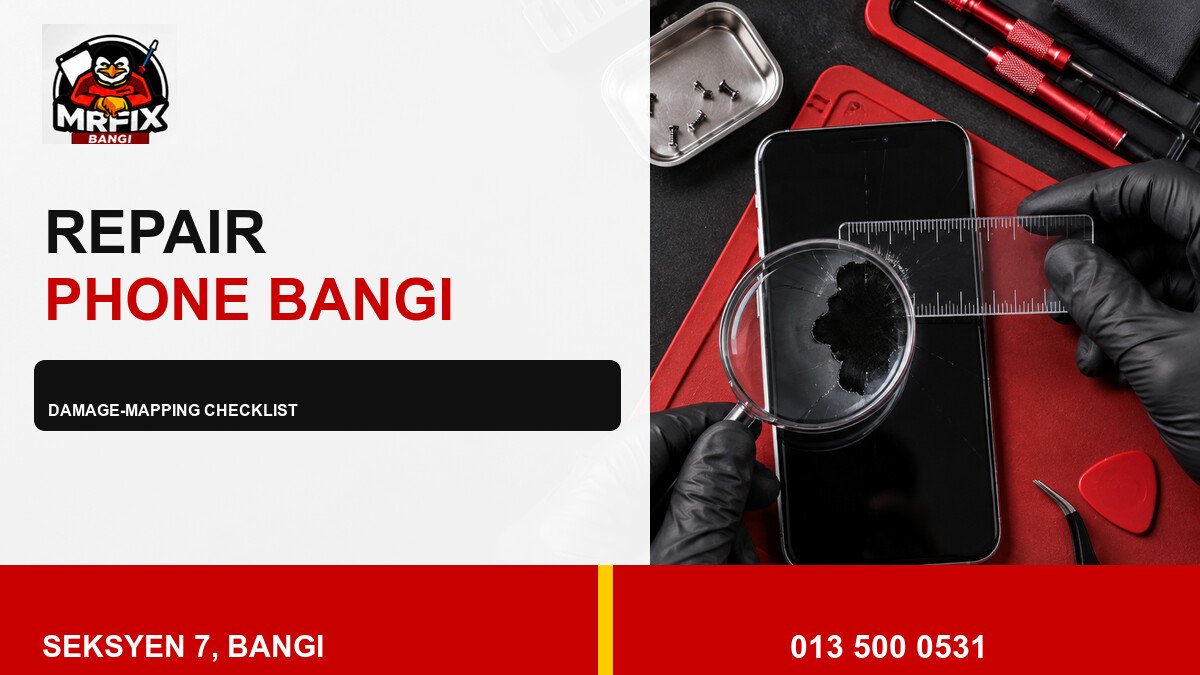
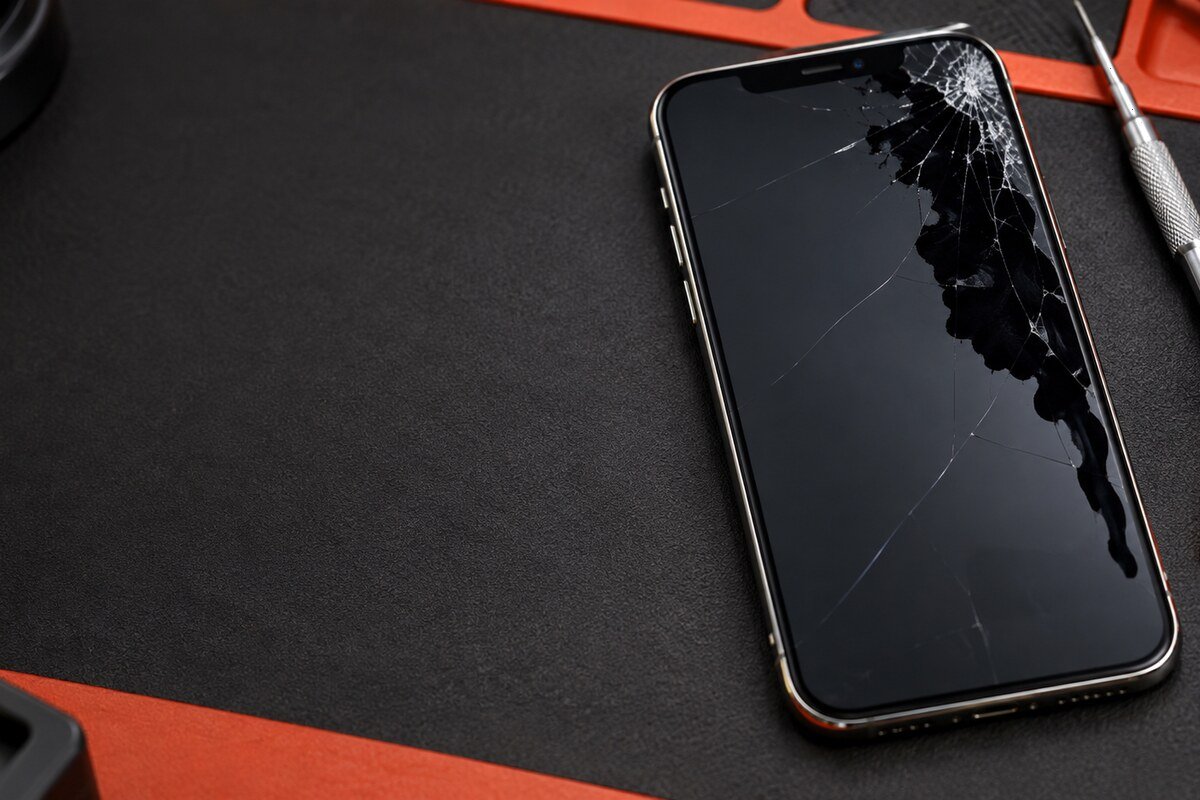
A useful black-spot record shows where the damage began, how its boundary changes and whether touch or coloured lines are affected. This practical checklist supports a repair phone black spot Bangi assessment without asking the owner to press, heat or repeatedly stress the display.
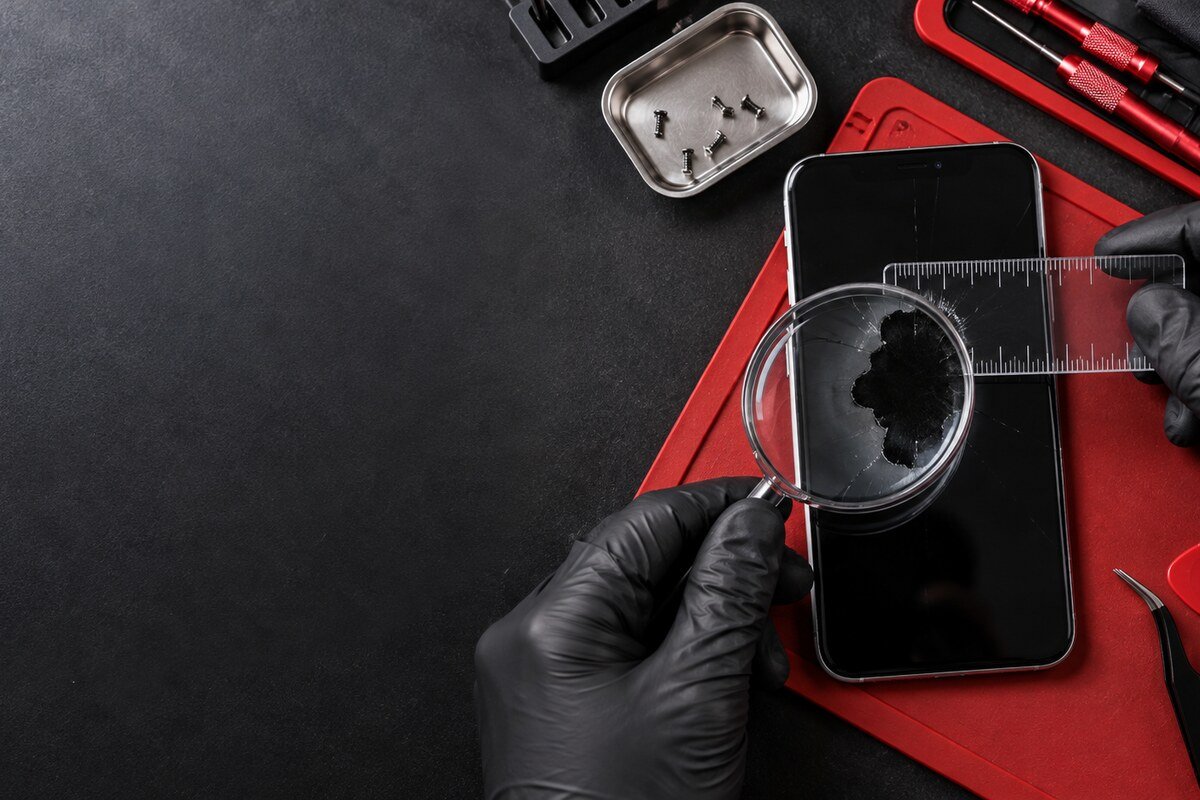
Create a simple damage map
- Identify the nearest edge or corner.
- Describe the shape rather than estimating a diagnosis.
- Note any purple, green or rainbow fringe.
- Record touch failure outside the dark boundary.
- List drops, bends, pressure or moisture events in order.
Use photos taken by another device. Marking the phone screen with a pen, tape or sharp object is unnecessary and may introduce new damage.
Observe changes safely
- Place the phone on a stable surface.
- Use moderate brightness and a plain background.
- Photograph the screen from the same angle.
- Compare only when a visible change occurs.
- Stop using the device if heat, lifting or odour appears.
Keep symptom categories separate
A black patch, coloured line, flicker and touch dead zone may appear together, but each should be recorded independently. This gives the technician clearer evidence than a single description such as “the whole screen is broken.”
Practical inspection in Seksyen 7
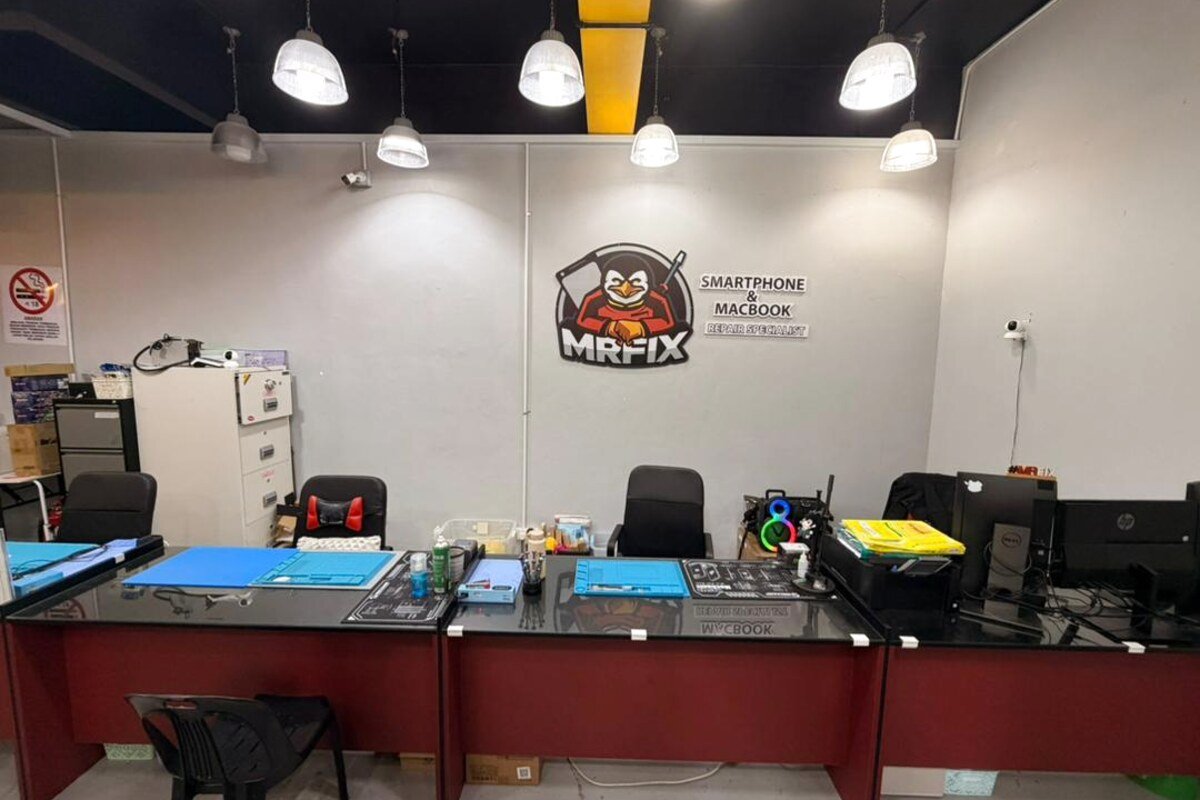
MRFIX Bangi can inspect the visible pattern, glass, frame and touch response for customers from Bangi, Kajang, Putrajaya, Serdang, Nilai and Semenyih.
Only hands-on inspection can confirm the cause, required component, cost, timing or repair outcome.