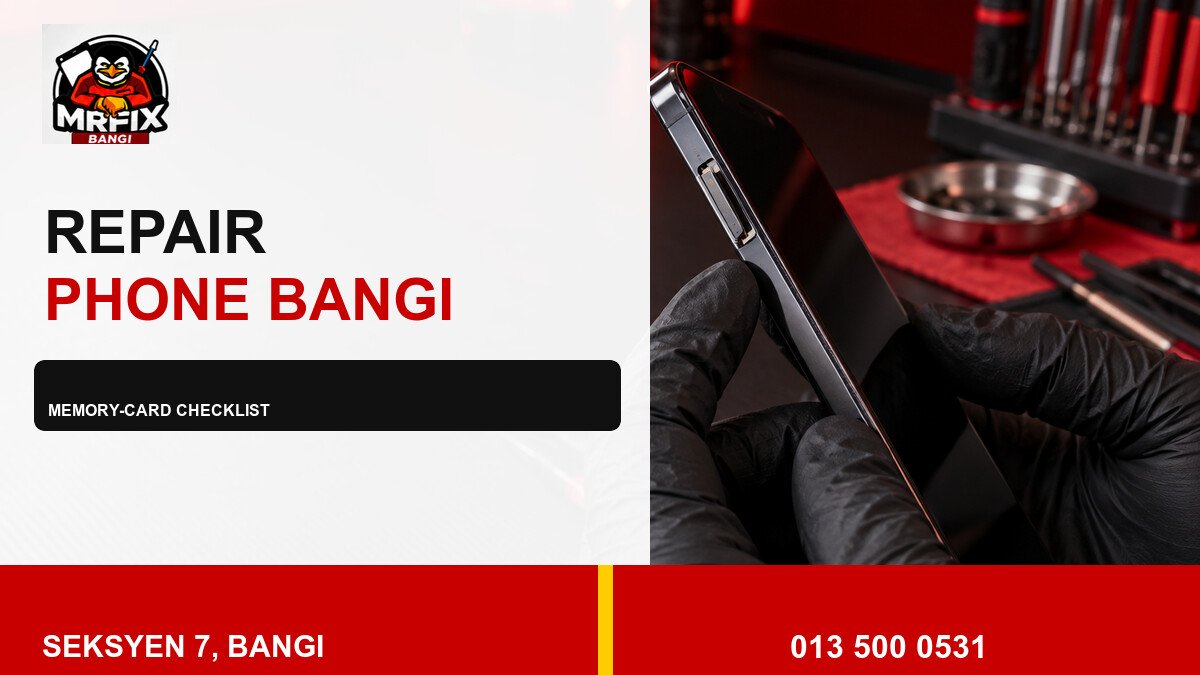
A phone that cannot read a memory card needs a structured check, not repeated tray removal. This repair SD card slot phone Bangi checklist helps separate card, compatibility, tray and slot clues while protecting important data. Stop whenever the tray resists or the phone shows signs of physical damage.
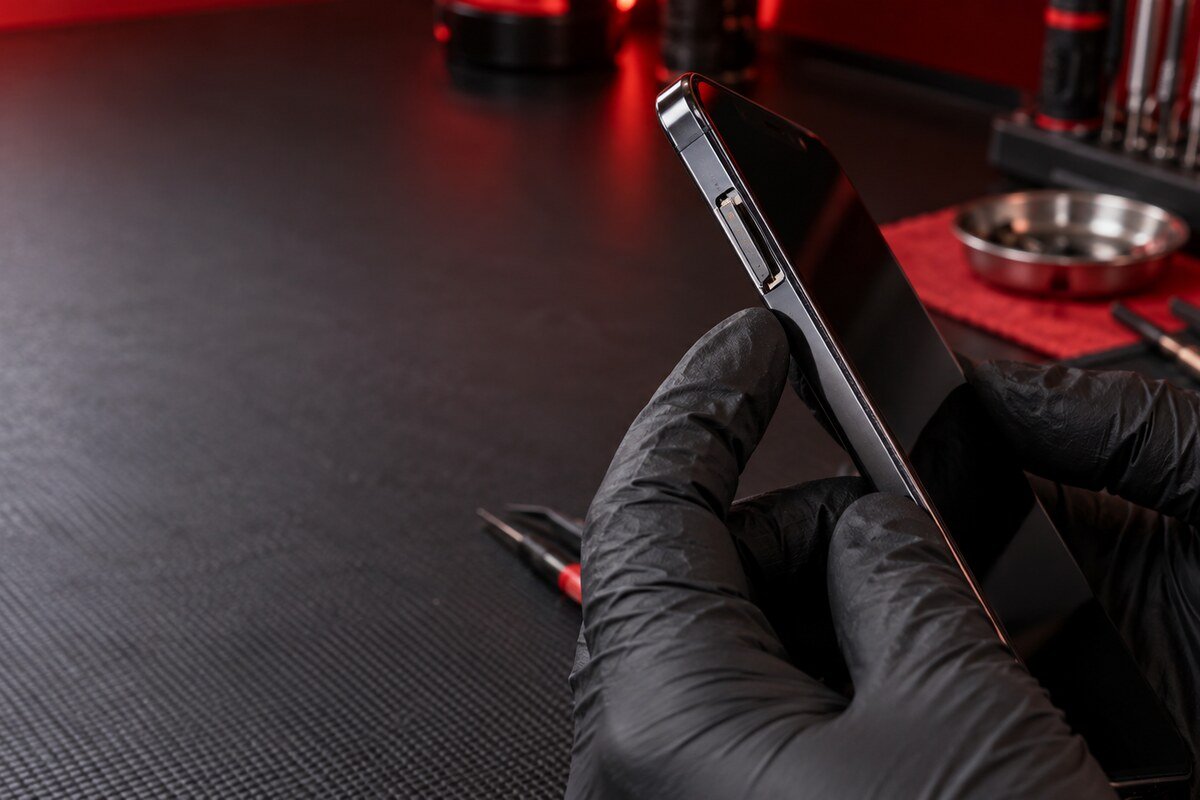
Start with five questions
- Did the same card work in this phone before?
- Does the phone support the card type and capacity?
- Did the issue follow a drop, moisture event or update?
- Does the tray sit flush with the frame?
- Is the missing data important or replaceable?
These answers help choose a safe next step. They do not confirm a failed component, but they reduce unnecessary tests and prevent accidental formatting.
Practical inspection checklist
- Save the exact warning without accepting format prompts.
- Power the phone down before handling the tray.
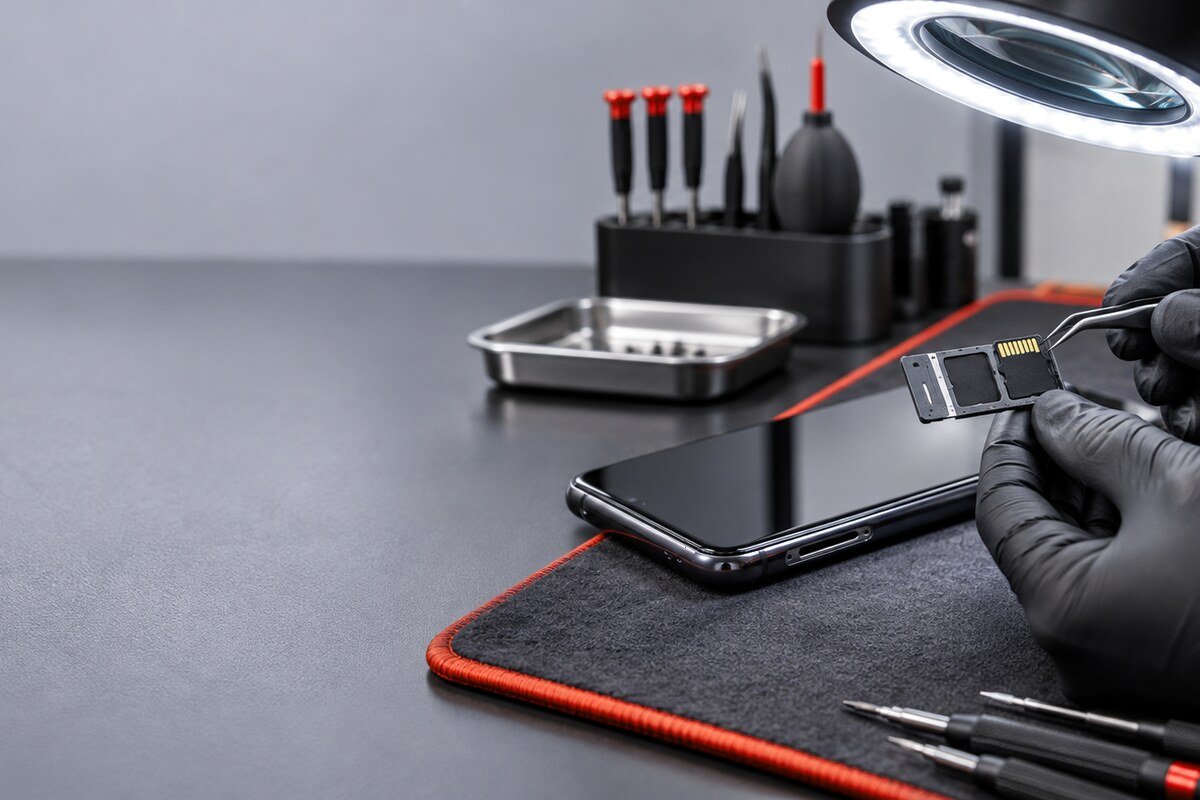
- Check the card and tray orientation under good light.
- Use one compatible non-critical test card if appropriate.
- Record whether detection is stable after one restart.
- Stop if the tray bends, catches or sits unevenly.
What not to do
Do not push metal tools into the slot, add liquid cleaner, blow debris deeper or force a mismatched tray. Do not erase a card with valuable files. Bring the original parts so their fit and condition can be compared.
Memory-card assessment in Bangi
MRFIX Bangi in Seksyen 7 can review detection patterns and visible condition for customers from Bandar Baru Bangi, Kajang, Putrajaya, Serdang, Nilai and Semenyih.
A physical inspection is required before confirming the cause, component, cost, repair time or outcome.